
Small Home Office Layout & Setup Guide for Compact Rooms
A practical small-home-office guide for choosing the right work zone, desk footprint, chair clearance, lighting, storage and visual boundaries without letting work take over the room.
A small home office works when the desk, chair, screen, storage and lighting are treated as one system. The mistake is trying to squeeze office furniture into leftover space and hoping the routine will adapt.
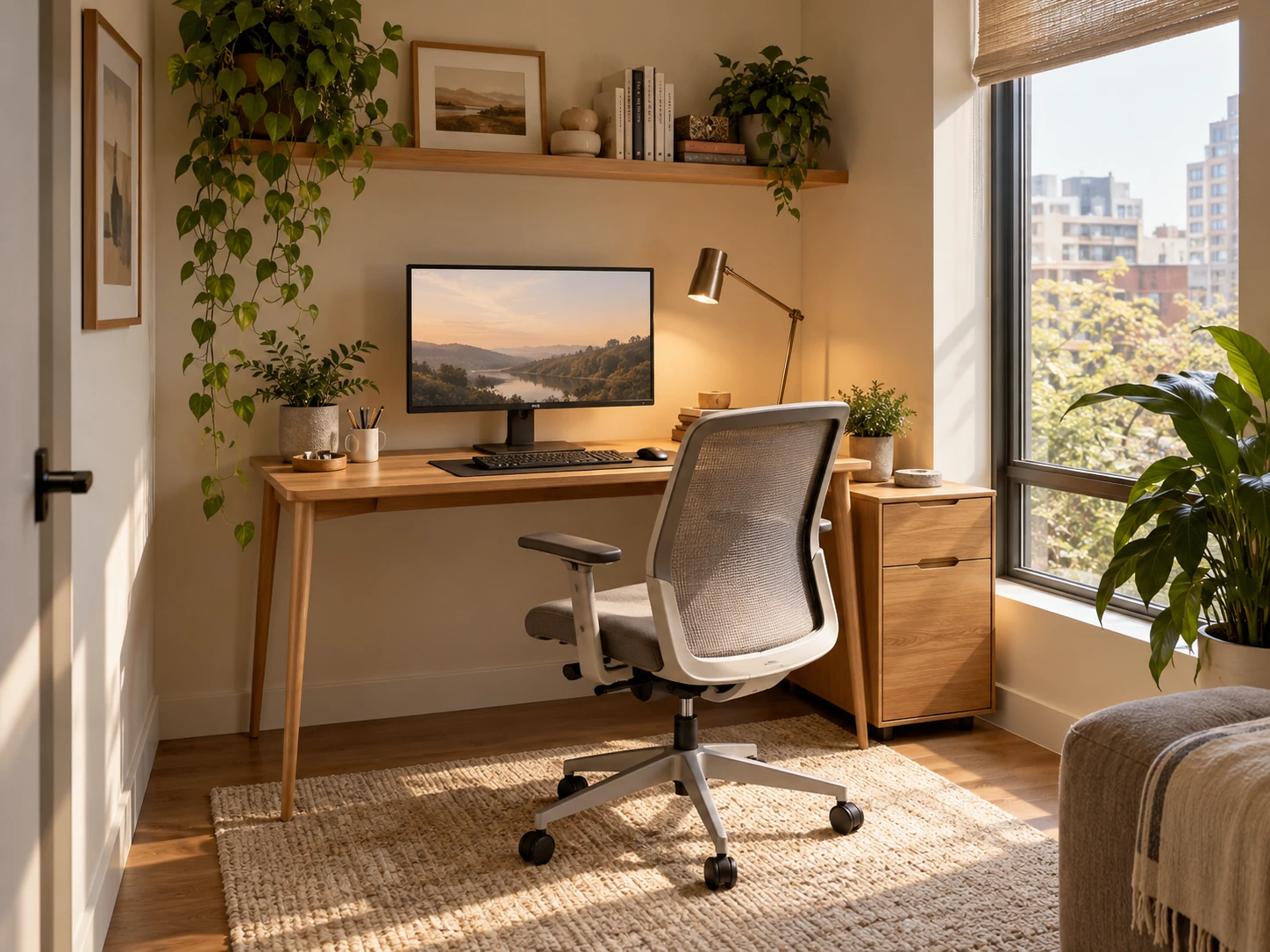
What matters most
- 01
Choose the work zone from the routine and available depth, not from the desk style you like first.
- 02
Protect chair movement and screen distance before adding shelves or decor.
- 03
Keep the desk surface deliberately under-filled and move storage vertically or beside the desk.
- 04
Use layered light so the screen is readable without creating harsh glare.
- 05
Create a visible end-of-day reset so the room can return to its other function.
Start with the job the workspace must do
A compact home office should be planned around the real work pattern. A laptop used for two hours a day needs a different setup from a full-time desktop workstation with a second monitor, papers and video calls. List the equipment that must stay in the zone, the items that can live nearby and the things that only need occasional access.
That list prevents the desk from becoming a storage surface. It also makes it easier to decide whether the workspace belongs in a bedroom, living room corner, hallway niche or dedicated small room. The goal is not to recreate a corporate office at home. It is to give the work routine enough physical support that it does not spill across the rest of the room.
| Work pattern | Keep in the active zone | Move out of prime desk space |
|---|---|---|
| Occasional laptop work | Laptop, charger and one clear writing area | Bulk files, backup stationery and rarely used peripherals |
| Full-time screen work | Primary monitor, keyboard, mouse, chair and task light | Archive files, spare cables and printer supplies |
| Creative or hybrid work | Primary device plus the tools for the current project | Materials not needed for the current week |
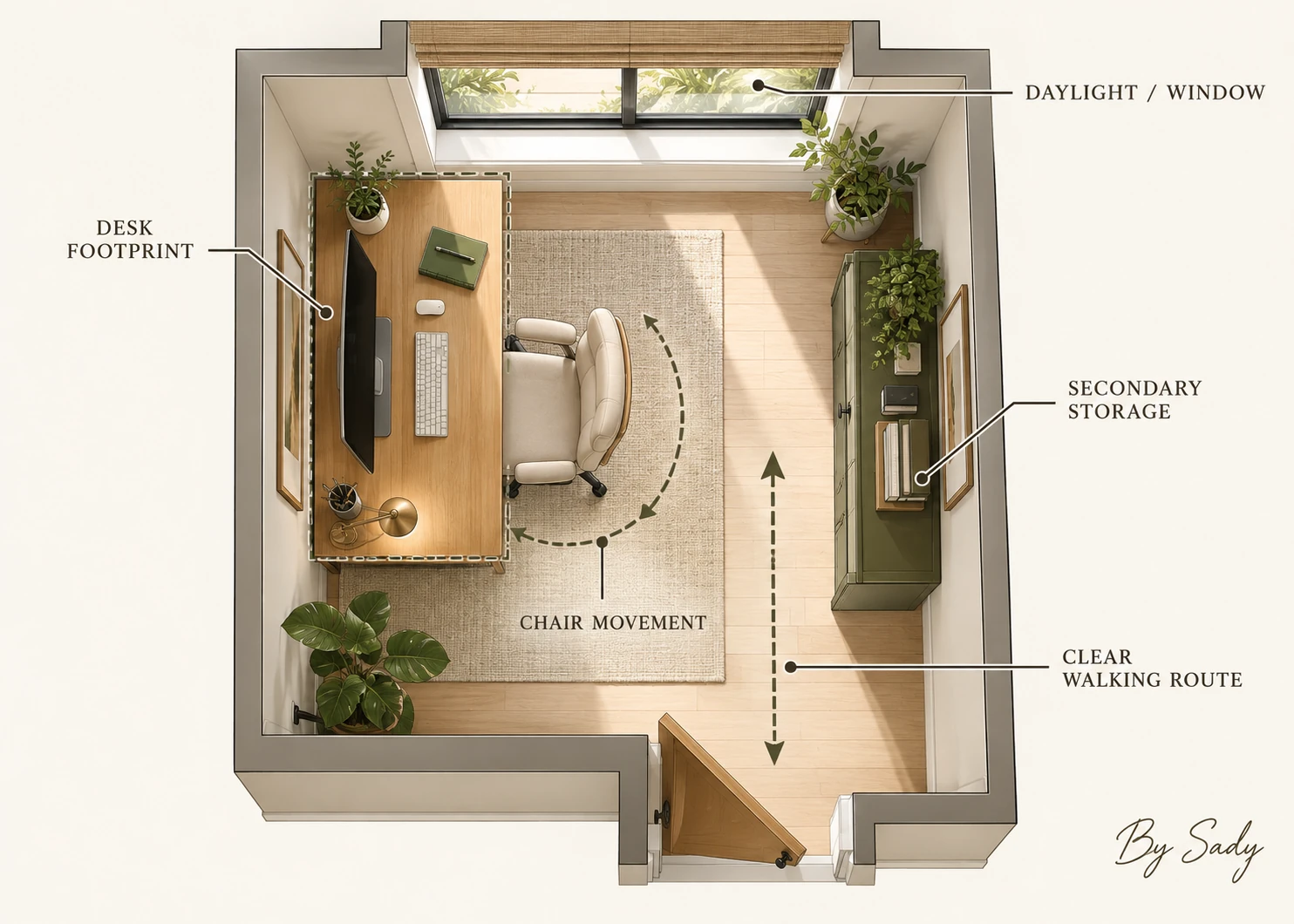
Measure the usable depth before choosing the desk
Desk width is easy to notice, but depth is often the limiting dimension. A shallow top can look perfect against the wall and still force the monitor too close to the user or leave no room for a keyboard, notebook and forearms. Measure the full zone from the wall to the point where chair movement would interfere with the room.
OSHA recommends arranging the monitor, keyboard, desk and chair as one workstation rather than treating them independently. Its computer-workstation guidance also notes that adequate desk depth helps maintain a comfortable viewing distance. That is why the best-looking compact desk is not necessarily the smallest one.
Continue with this part of the plan Plan the depth precisely: Desk Depth and Monitor DistanceUse screen distance, keyboard position and chair movement to determine the desk footprint.
Read the guide →Protect the chair route
A desk can fit while the chair does not. Pull the chair back to the position needed for sitting down and getting up, then check what happens to the walking route, bed access, wardrobe doors or dining circulation. A room that needs the chair pushed under the desk every few minutes has not really solved the layout.
If space is very tight, a narrower chair or armless task chair may be more useful than shrinking the desk depth beyond what the screen setup can tolerate. Prioritize the movements that happen many times each day.
Use one clear work surface
The desk surface should hold the equipment and tools used during the current task. Everything else needs a secondary home. A monitor stand with a drawer, a slim side cabinet, wall shelf or nearby cart can absorb stationery and papers without turning the work surface into a permanent storage shelf.
Leave a real patch of open desk. It gives you somewhere to sign a document, set down a notebook or move the keyboard when you need a different task. Open space is functional capacity, not wasted space.
Continue with this part of the plan Keep the surface clear: Compact Desk Storage IdeasPlan drawers, risers, side storage and vertical zones around frequency of use.
Read the guide →Keep the primary screen directly in front
For computer work, screen placement has more influence on the setup than decorative symmetry. OSHA advises placing the monitor directly in front of the user and at a comfortable distance, with the top of the screen at or below eye level. CCOHS similarly recommends using viewing angle and distance as adjustable guidelines rather than forcing the body to match the screen.
If you use a laptop for long sessions, a stand plus external keyboard and mouse can create more flexibility because the screen height and hand position no longer have to be tied together. The exact setup should suit your vision, chair height and task.
Plan lighting for the screen and the face
A small office often has only one ceiling light, which is rarely enough for reading documents, video calls and evening work. Add a task light that can be aimed at paper or the keyboard without shining into the screen, then keep some softer background light in the room so the screen is not the only bright surface.
Glare is usually easier to solve by changing the angle of the screen, lamp or window treatment than by adding a brighter bulb. If the desk is near a window, test the screen at the times of day when you actually work.
Continue with this part of the plan Build the light layers: Home Office Lighting IdeasPlan daylight, task light, background light and screen-glare control.
Read the guide →Create storage by frequency, not category alone
Daily tools belong within easy reach. Weekly or project-specific supplies can sit higher or farther away. Rarely used equipment should not occupy the same prime drawer space as chargers, pens and documents used every day.
This frequency rule keeps a small workspace from needing too many organizers. One shallow drawer for daily tools, one vertical shelf for reference material and one closed box for occasional supplies can outperform a wall full of small containers.
Control cables before they spread
Cable management is easiest before every device is plugged in. Decide where power enters the setup, where adapters will sit and which cables need enough slack for a monitor arm or adjustable desk. Keep the route away from chair wheels and the main walking path.
Extension cords are a temporary solution rather than a permanent substitute for proper electrical capacity. ESFI recommends keeping cords out of high-traffic routes and avoiding damaged or pinched cords. If the desk needs more power than the room can safely provide, solve the electrical problem rather than hiding it under a cable box.
Continue with this part of the plan Clean up the wiring: Home Office Cable ManagementRoute power, data and charging cables without creating a floor hazard or visual tangle.
Read the guide →Separate work from the rest of the room visually
A small office does not need a physical wall, but it benefits from a clear boundary. A rug edge, paint zone, shelf, curtain or simply a disciplined desk width can signal where work starts and stops. That boundary matters especially in a bedroom or living room.
Avoid spreading files and work accessories onto nearby dressers, dining tables or bedside surfaces. The visual boundary works only if the objects follow it.
Make the end-of-day reset part of the design
A compact office can look calm even when it contains real equipment if the setup has a predictable closing routine. Clear the open work zone, return tools to one drawer, coil or dock the charging cable and close the laptop or darken the monitor.
The reset should take a few minutes, not require reorganizing the room. If the system is too complex to restore every day, reduce the number of visible categories.
Use this small-office checklist before buying
Measure the wall, desk depth, chair movement and screen distance. Confirm where power and daylight come from. Decide where daily storage lives. Then choose furniture that supports those constraints.
A small home office feels intentional when the equipment can stay set up, the chair can move, the surface can clear and the room still performs its other jobs.
- Desk depth supports a comfortable screen position.
- Chair movement does not block the main route.
- Daily tools have one reachable storage zone.
- The monitor is positioned for the user, not for symmetry.
- Task and background light can be controlled separately.
- Cables avoid wheels, doorways and walking paths.
- The workspace can be reset quickly at the end of the day.
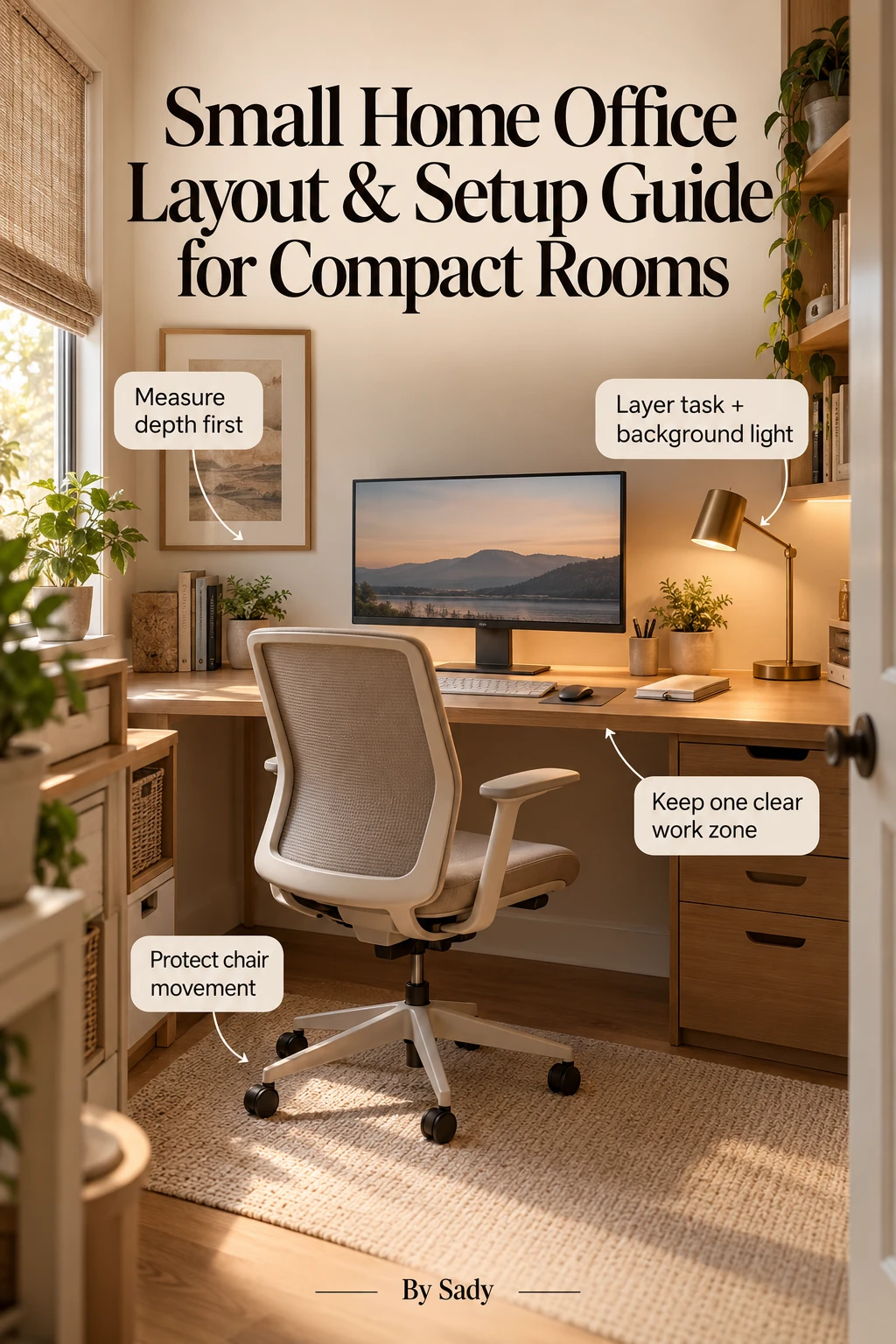
Keep the visual summary.
This is the condensed version of the guide, useful when you are planning, comparing options or returning to the key decisions later.
Where the measurable guidance comes from
By Sady's styling advice is editorial. Where this guide uses measurements or specific planning guidance, these are the references used. Always measure your own room and follow local electrical and building requirements.
- OSHA Computer Workstations: Monitors
Primary workplace reference for monitor distance, height and workstation integration.
- CCOHS: Office Ergonomics - Positioning the Monitor
Reference for viewing distance and angle as adjustable ergonomic guidelines.
- IKEA U.S.: Home office tips and ideas
Current reference for compact home-workspace zoning, storage and lighting ideas.
- ESFI: Extension Cord Safety Tips
Electrical-safety reference for temporary extension-cord use and keeping cords out of traffic routes.
Relevant finds from this guide.
Explore focused guides for this topic.

Small Home Office Measurement Checklist: Desk, Chair, Screen and Walking Space
A saveable measurement checklist for compact home offices covering wall length, desk depth, monitor distance, chair pull-back, door and drawer swing, outlets, windows and storage footprint.
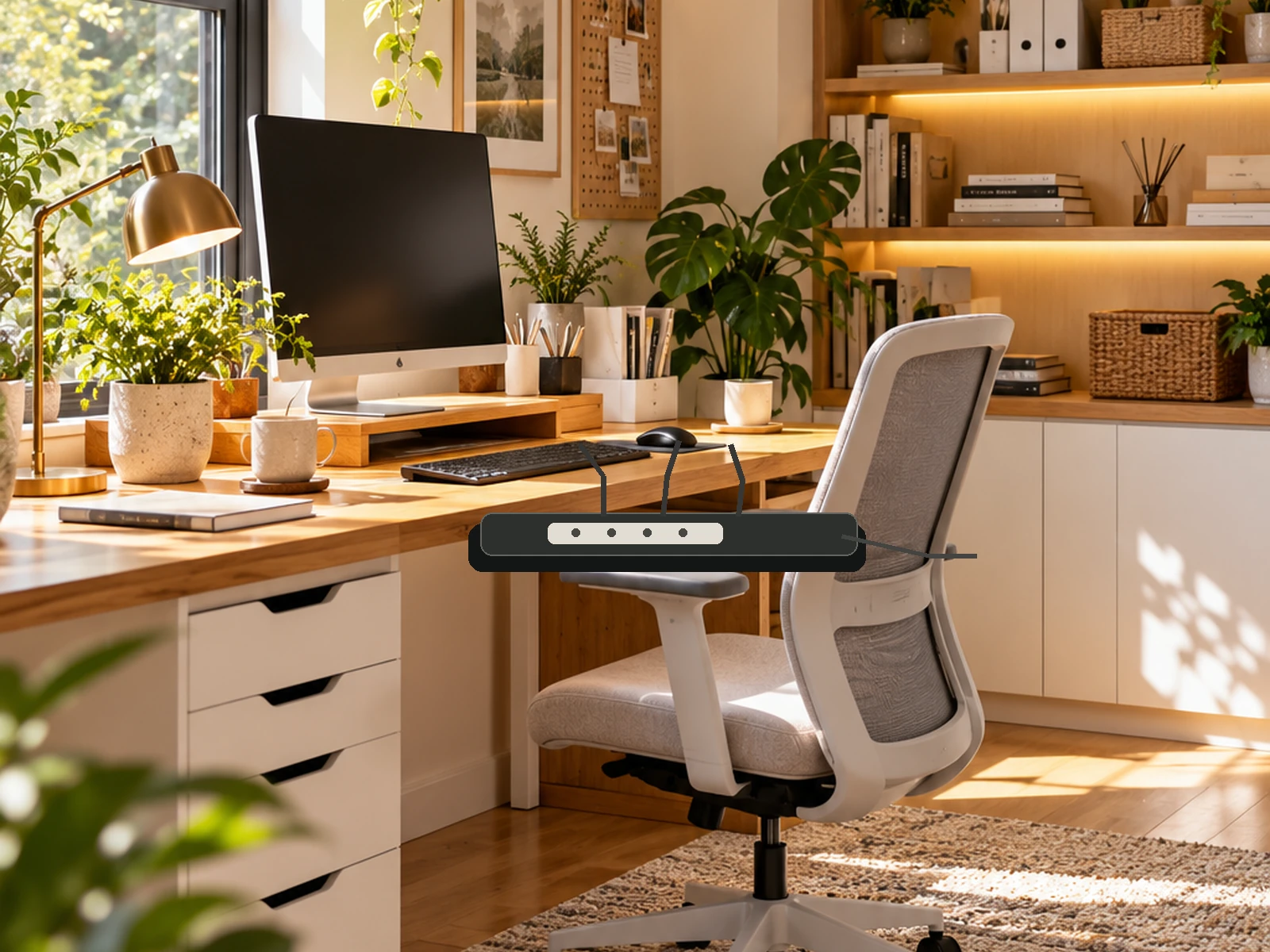
Cable Management Ideas for a Cleaner Home Office
A practical cable-management guide for routing power, charging and data cables around a compact desk without creating floor hazards, crushed cords or an impossible-to-maintain bundle.
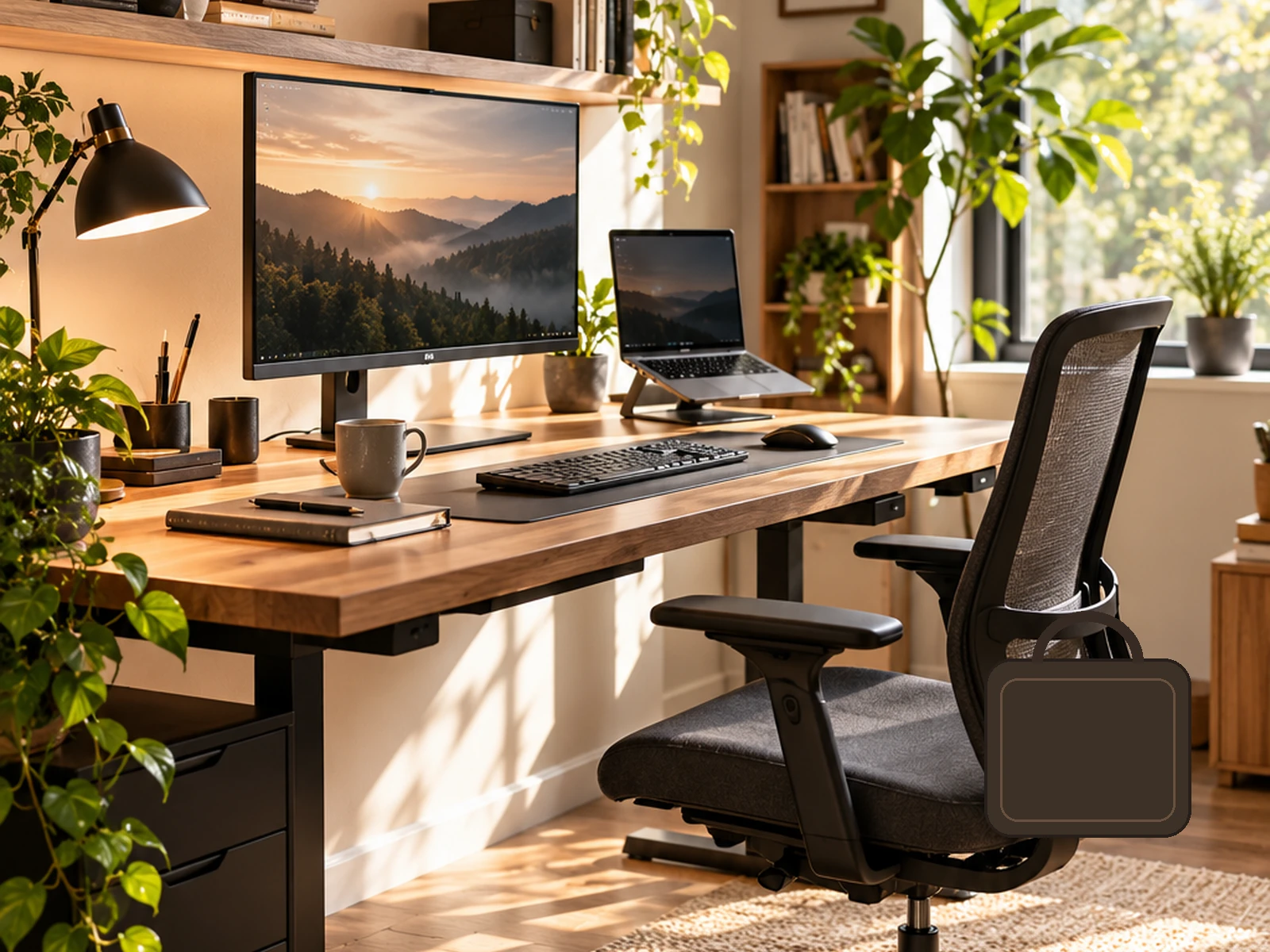
Remote Work & Home Office Statistics 2026: How Much Americans Work From Home
A source-led 2026 reference on U.S. work-from-home and telework behavior, using BLS American Time Use Survey and Current Population Survey data with definitions, caveats and reusable charts.
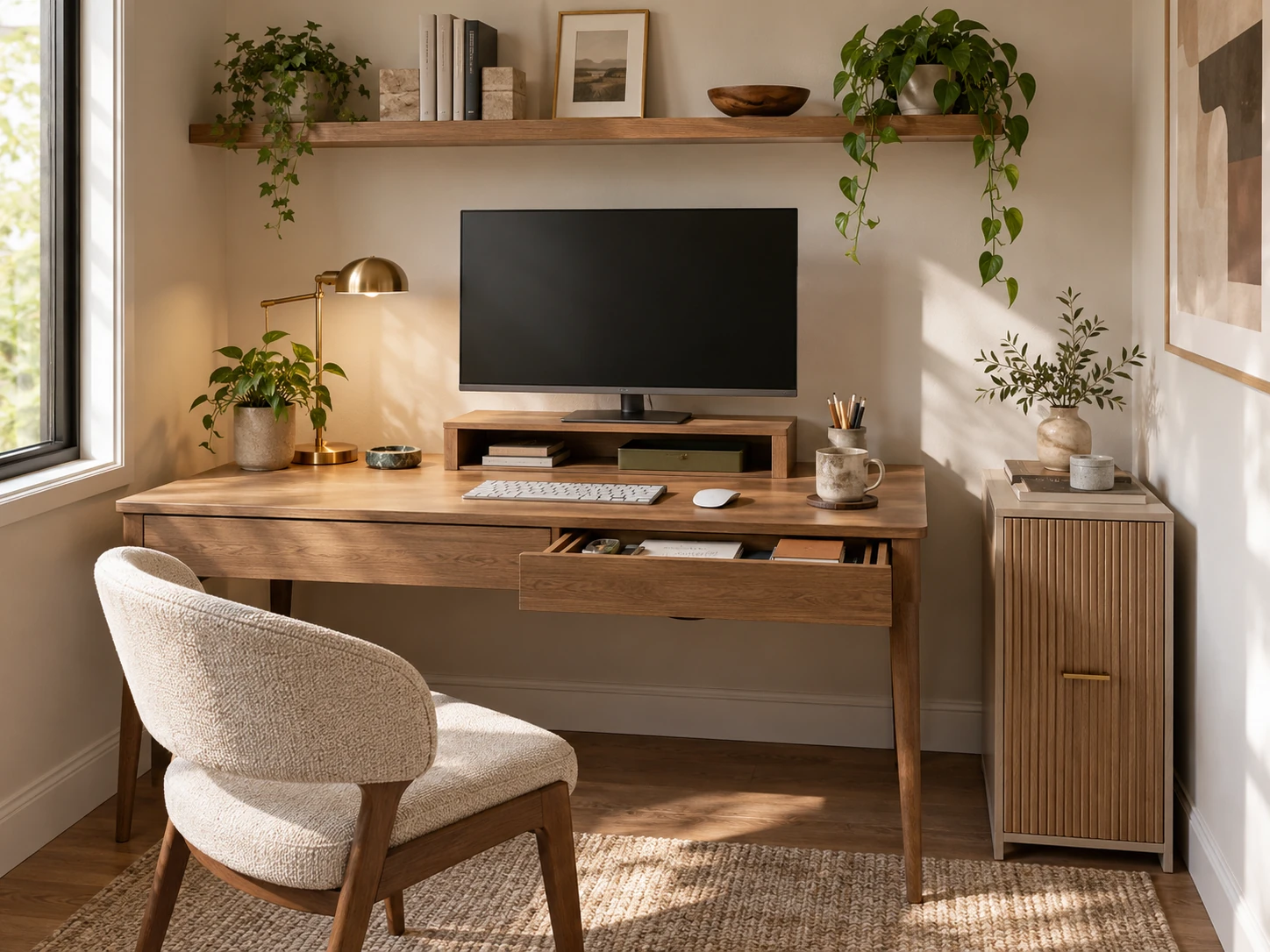
Small Home Office Storage Ideas That Keep the Desk Clear
A room-level storage plan for compact home offices: keep the desktop focused on active work, then move files, supplies, paper, cables and occasional equipment into desk-adjacent, vertical and secondary zones.
More from Home Office.
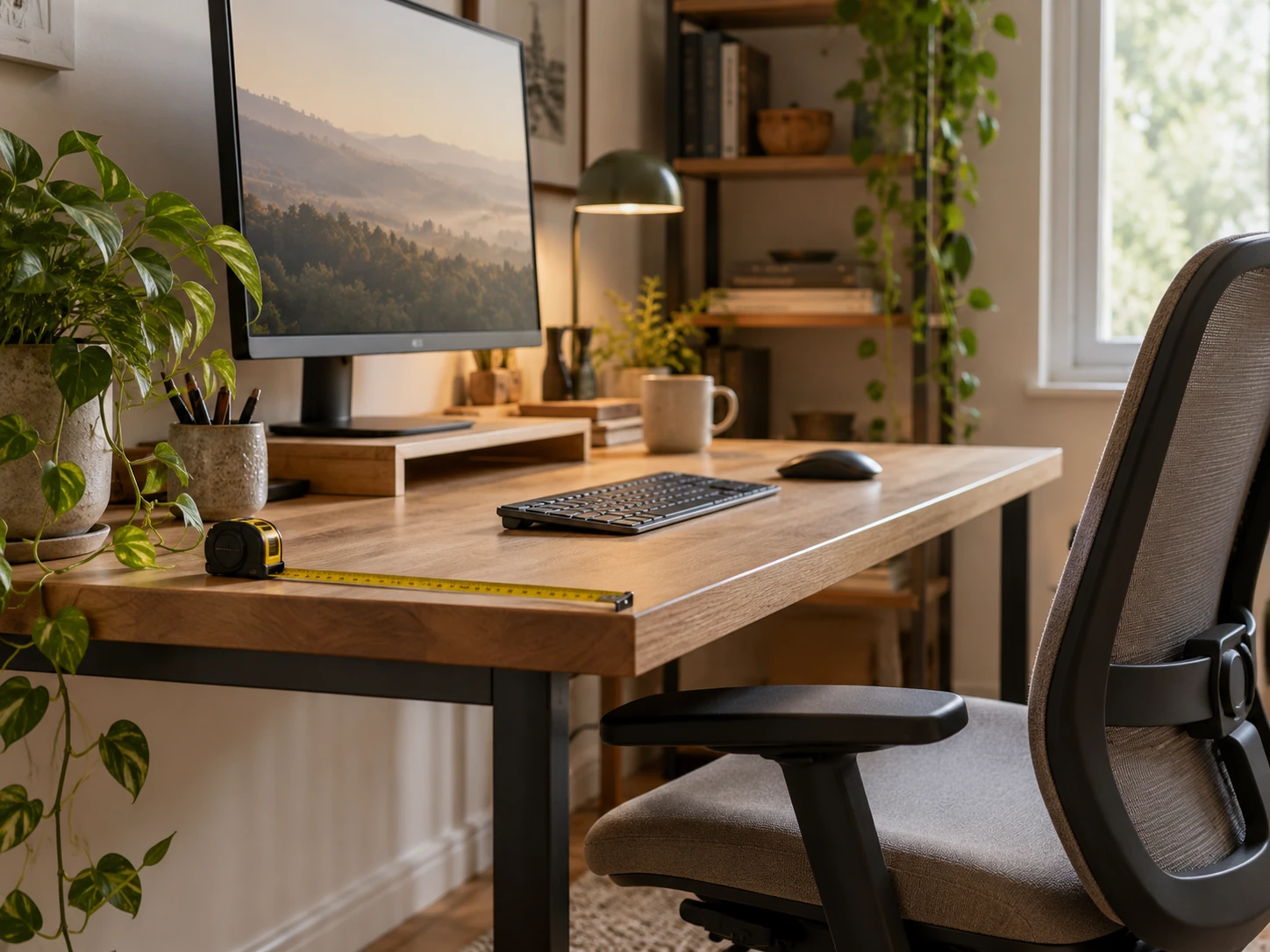
Desk Depth and Monitor Distance: Plan the Work Zone Before Buying
A measurement-first guide to desk depth, monitor distance, keyboard position and chair clearance so a compact workstation fits the user rather than forcing awkward posture.
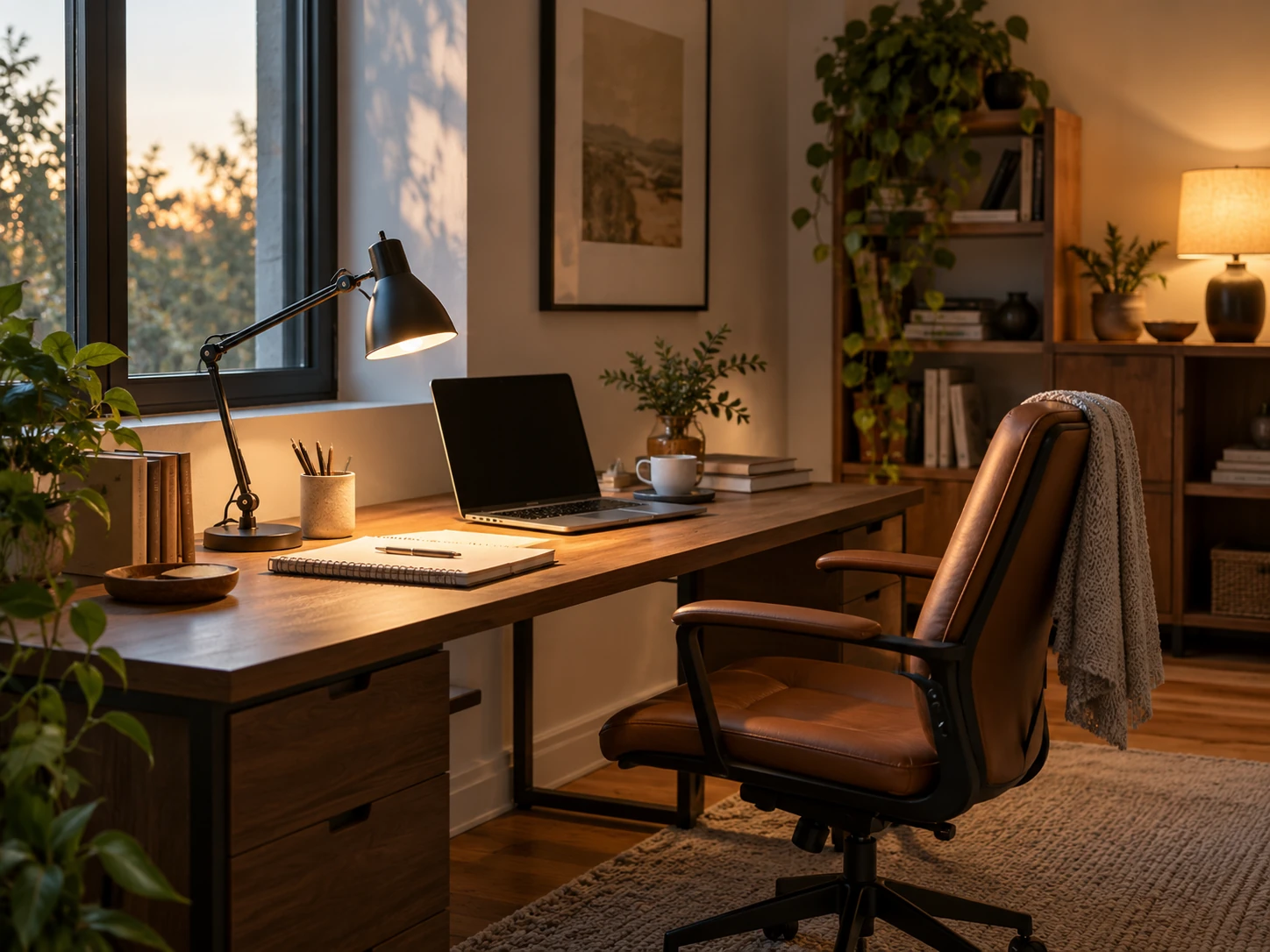
Home Office Lighting Ideas for Better Focus and Less Glare
A layered home-office lighting plan built around daylight, task light, screen-glare control, video calls and softer evening light for compact workspaces.
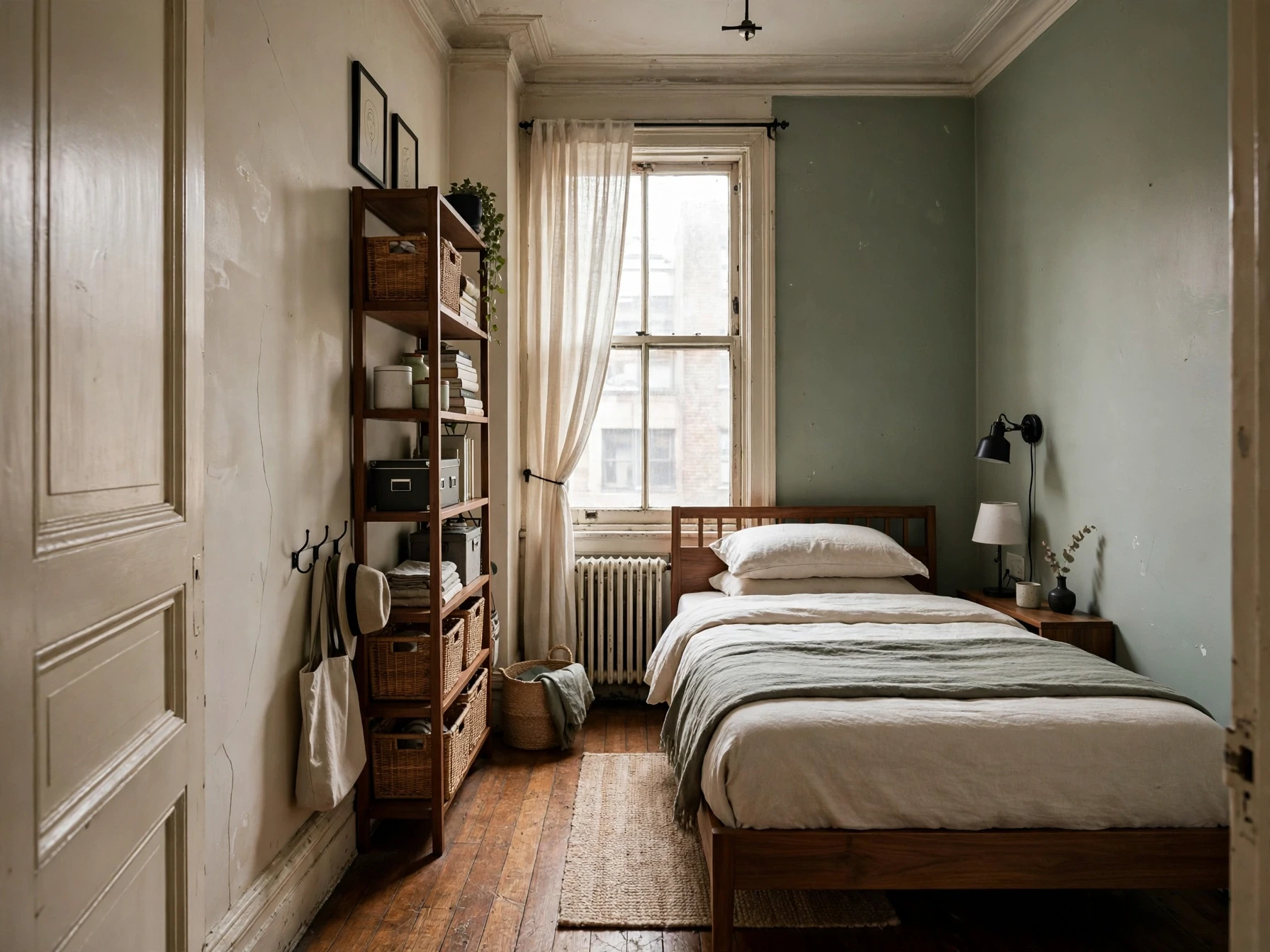
Small Bedroom Ideas: A Complete Guide to Layout, Storage, Lighting & Style
A practical small-bedroom design guide built around floor planning, circulation, storage, lighting and the details that make a compact room feel calm instead of crowded.