
Small Home Office Measurement Checklist: Desk, Chair, Screen and Walking Space
A saveable measurement checklist for compact home offices covering wall length, desk depth, monitor distance, chair pull-back, door and drawer swing, outlets, windows and storage footprint.
The safest time to discover that the chair blocks the bed, the monitor is too close or the drawer hits the wall is before the desk arrives.
Part of the By Sady guide Small Home Office Layout & Setup Guide for Compact Rooms →
What matters most
- 01
Measure the room and moving parts before furniture.
- 02
Use screen-distance guidance as a starting point, not a universal desk-size rule.
- 03
Mock up desk depth and chair movement physically.
- 04
Mark outlets, windows and glare before final placement.
- 05
Record storage opening space as well as closed furniture dimensions.
Record the fixed room dimensions
Measure each usable wall, window width and sill height, door position, baseboards, radiators, vents and outlets. Note anything that prevents furniture from sitting flush.
Draw a simple top-down sketch and add those fixed elements first.
Measure the desk envelope
Record outside width, depth and height. Include monitor-arm clamps, cable trays or projecting supports.
Do not assume the product-name width includes every part of the furniture.
Test monitor distance from the seated eye position
OSHA gives a preferred viewing-distance range of roughly 20 to 40 inches as general workstation guidance. CCOHS describes arm’s length as a useful starting estimate and emphasizes individual adjustment.
Use those as ergonomic planning references, not as residential code or a universal desk-depth prescription.
Continue with this part of the plan Desk Depth and Monitor DistanceBuild desk depth around screen, input and chair relationships.
Read the guide →Measure chair movement
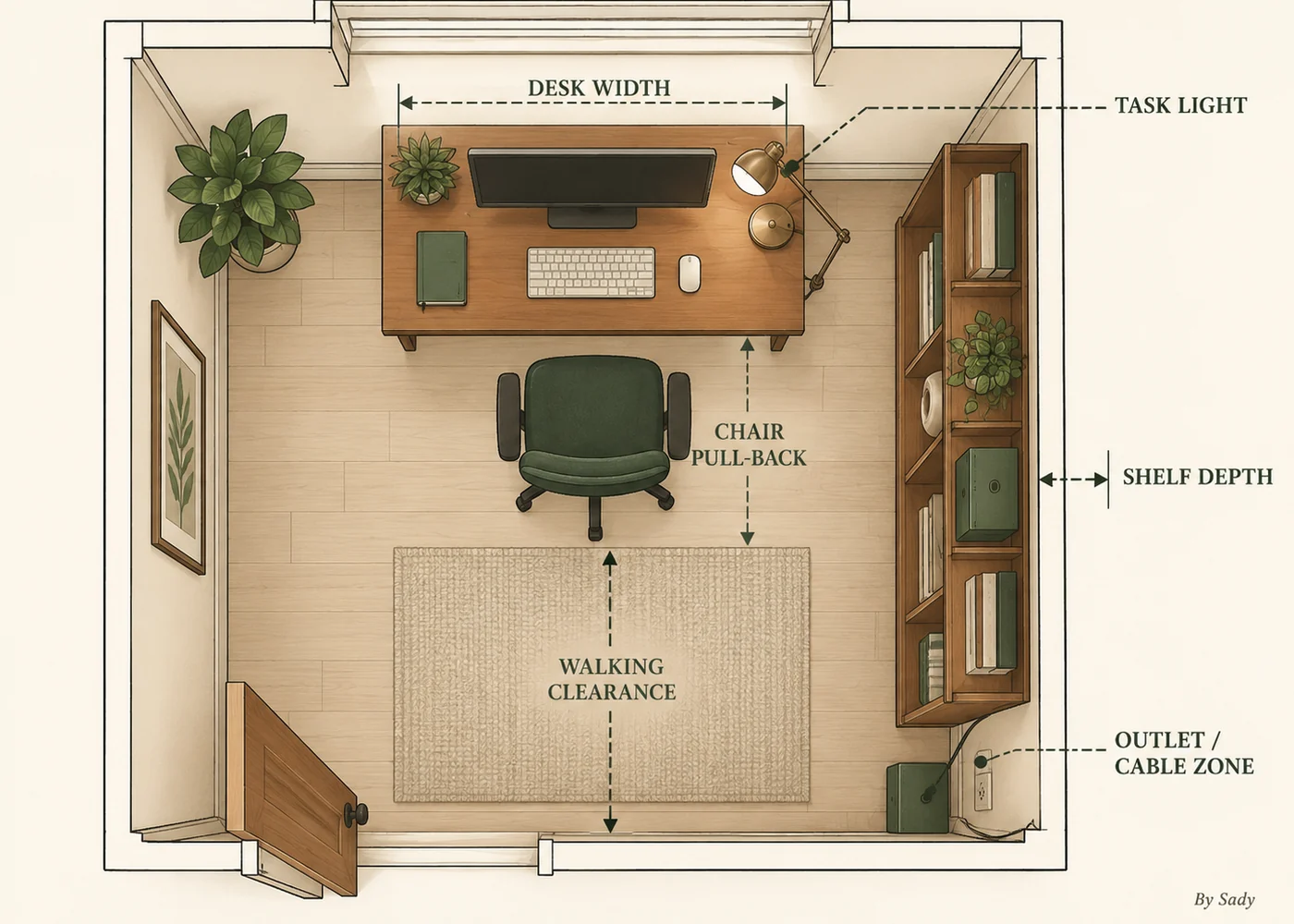
Mark the chair footprint while seated and while pulling back to stand. Then walk the route behind it.
A desk can fit against the wall while the chair makes the room unusable.
Open every moving part
Open the desk drawer, nearby wardrobe, room door and cabinet fronts in the plan. Measure the overlap.
Small spaces often fail at moving clearances rather than static dimensions.
Mark window and glare direction
Stand at the proposed desk at the time of day you work. Note direct sunlight and screen reflections.
The best desk wall is not always the wall with the cleanest photograph.
Map power and cable routes
Mark outlets before buying the desk. Plan the route from power to devices without crossing the main chair or walking zone.
Extension cords are temporary solutions, not a substitute for suitable permanent electrical capacity.
Put the measurements on one worksheet
A useful worksheet should separate fixed room measurements from furniture measurements and movement clearances. Record the room first, then test candidate furniture against it rather than rewriting the plan around each product page.
Keep one column for the measured room, one for the candidate desk or storage piece and one for the movement test. That makes it obvious when a product fits the wall but fails the chair or drawer test.
| Measurement group | Record |
|---|---|
| Fixed room | Usable wall, window, sill, door, outlets, trim |
| Desk / storage | Outside width, depth, height, open drawer travel |
| User / screen | Eye-to-screen test, keyboard reach, monitor height |
| Movement | Chair seated zone, pull-back zone, walking route |
Measure storage while open
A file cabinet or side unit needs more than its closed footprint. Include drawer travel and enough space to stand in front of it.
If storage cannot open without moving the chair every time, reconsider its position.
Home-office measurement checklist
Use this list before ordering furniture.
Write the numbers on the room sketch instead of keeping them in separate notes.
- Usable wall lengths.
- Door and drawer swings.
- Window and sill position.
- Desk outside dimensions.
- Screen-to-eye test.
- Chair seated and pull-back zones.
- Outlet and cable locations.
- Secondary storage opening space.
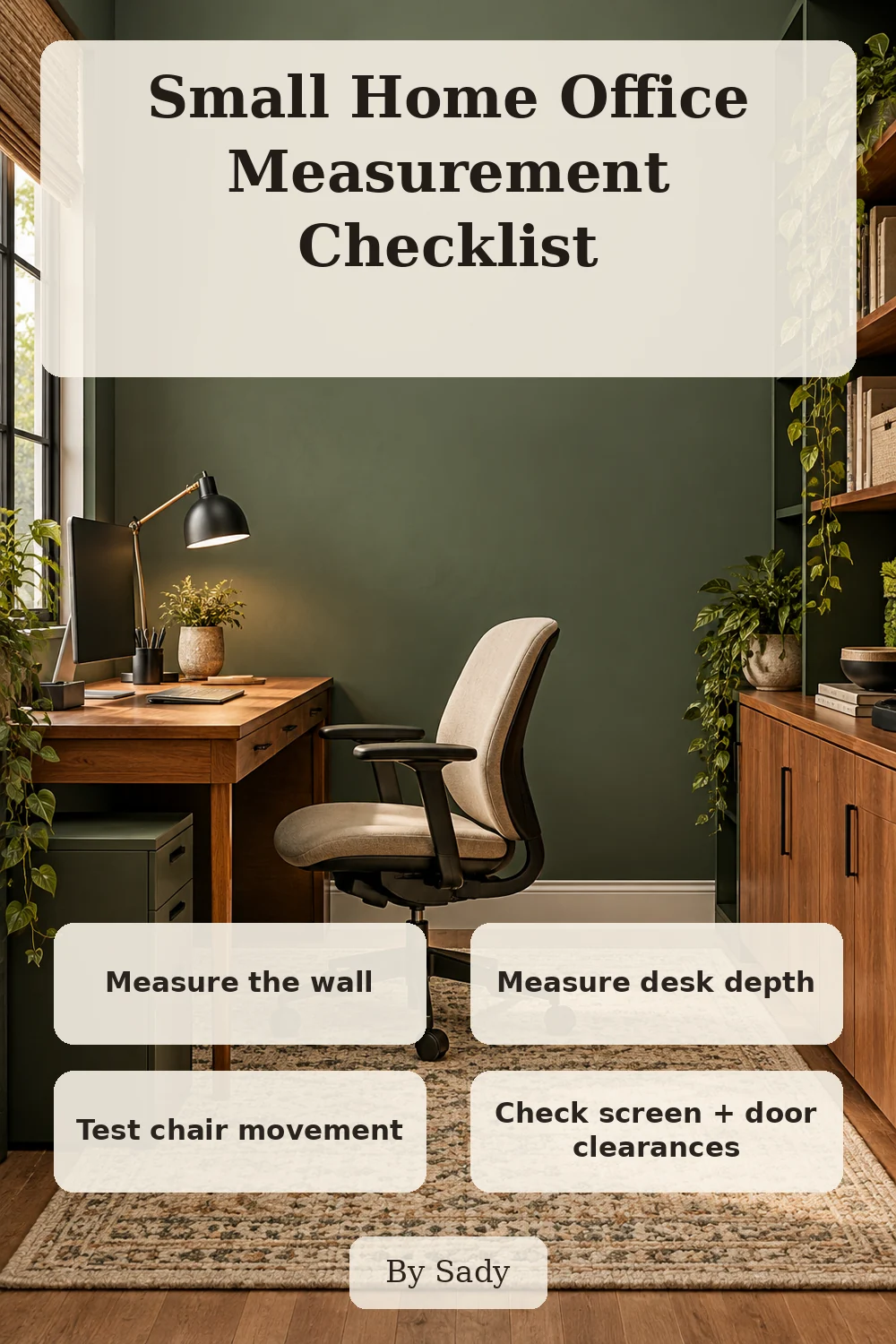
Keep the visual summary.
This is the condensed version of the guide, useful when you are planning, comparing options or returning to the key decisions later.
Where the measurable guidance comes from
By Sady's styling advice is editorial. Where this guide uses measurements or specific planning guidance, these are the references used. Always measure your own room and follow local electrical and building requirements.
- OSHA Computer Workstations: Monitors
Viewing-distance and monitor-position guidance.
- CCOHS: Positioning the Monitor
Viewing-angle and distance guidance emphasizing individual adjustment.
Relevant finds from this guide.
More from Home Office.
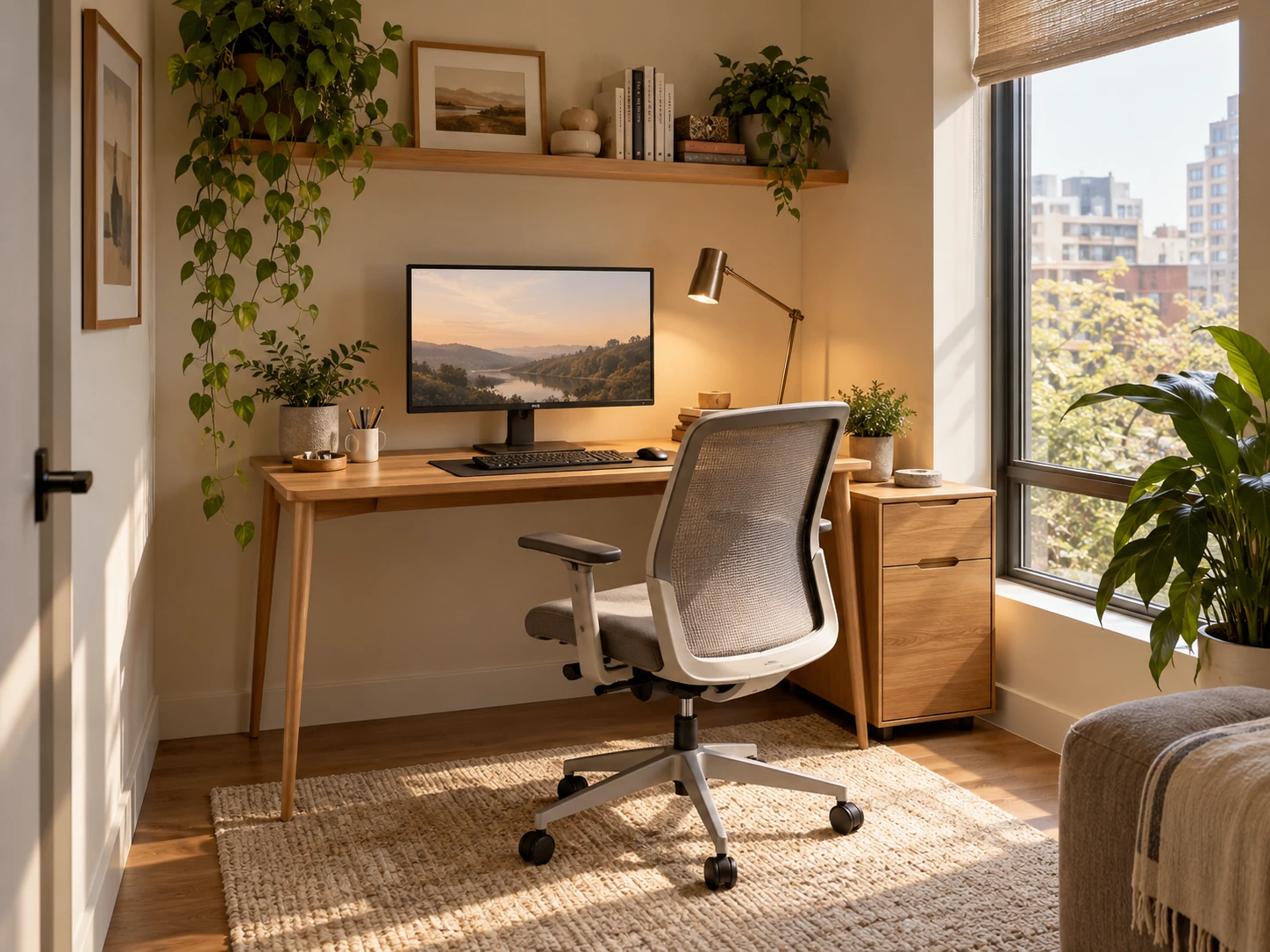
Small Home Office Layout & Setup Guide for Compact Rooms
A practical small-home-office guide for choosing the right work zone, desk footprint, chair clearance, lighting, storage and visual boundaries without letting work take over the room.
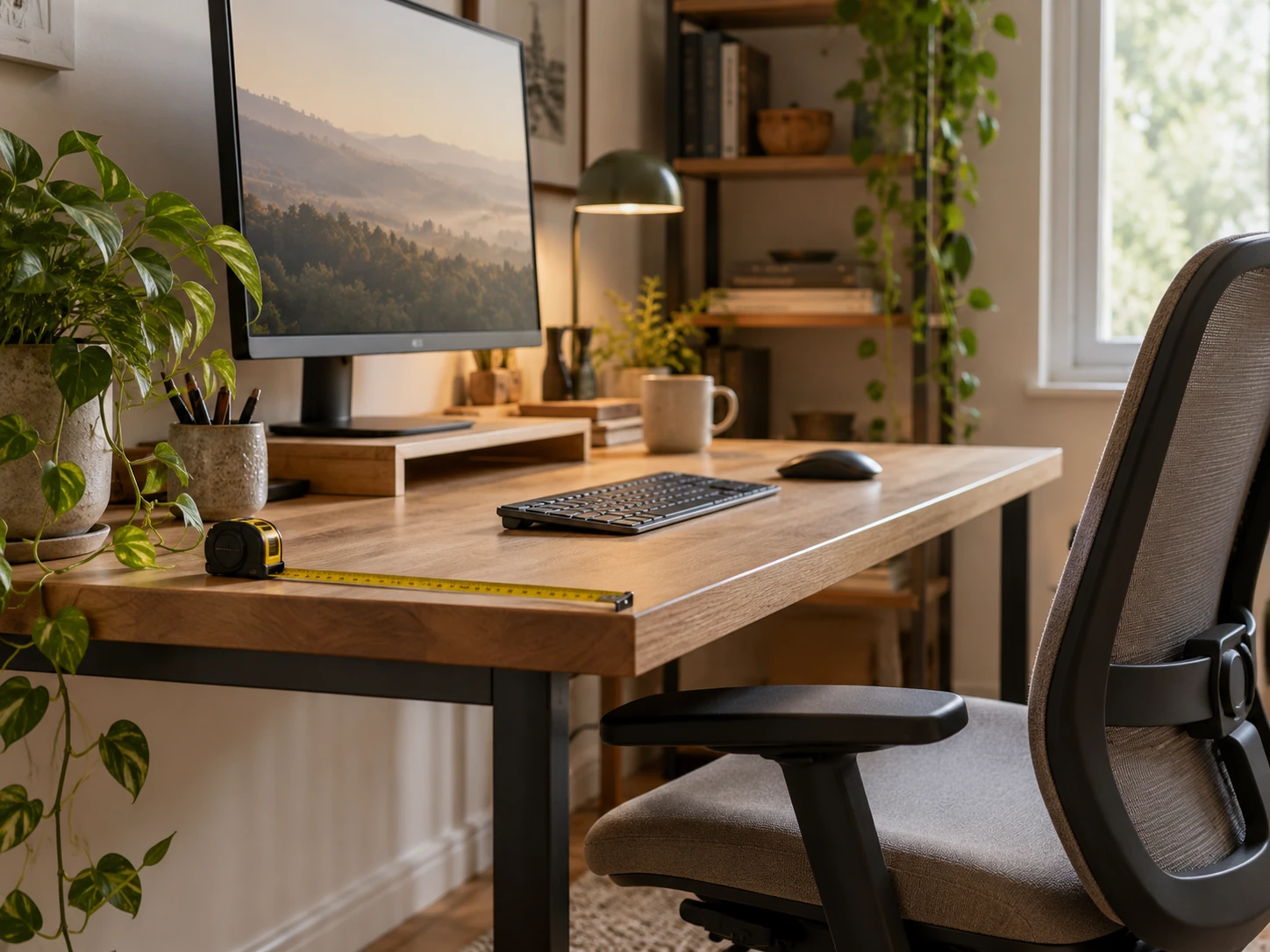
Desk Depth and Monitor Distance: Plan the Work Zone Before Buying
A measurement-first guide to desk depth, monitor distance, keyboard position and chair clearance so a compact workstation fits the user rather than forcing awkward posture.
Small Home Office Storage Ideas That Keep the Desk Clear
A room-level storage plan for compact home offices: keep the desktop focused on active work, then move files, supplies, paper, cables and occasional equipment into desk-adjacent, vertical and secondary zones.