
Small Home Office Storage Ideas That Keep the Desk Clear
A room-level storage plan for compact home offices: keep the desktop focused on active work, then move files, supplies, paper, cables and occasional equipment into desk-adjacent, vertical and secondary zones.
The published desk-organization problem and the room-storage problem are not the same. Once the desktop is clear, the real question is where files, supplies, printer paper, chargers and occasional equipment should live without surrounding the desk with clutter.
Part of the By Sady guide Small Home Office Layout & Setup Guide for Compact Rooms →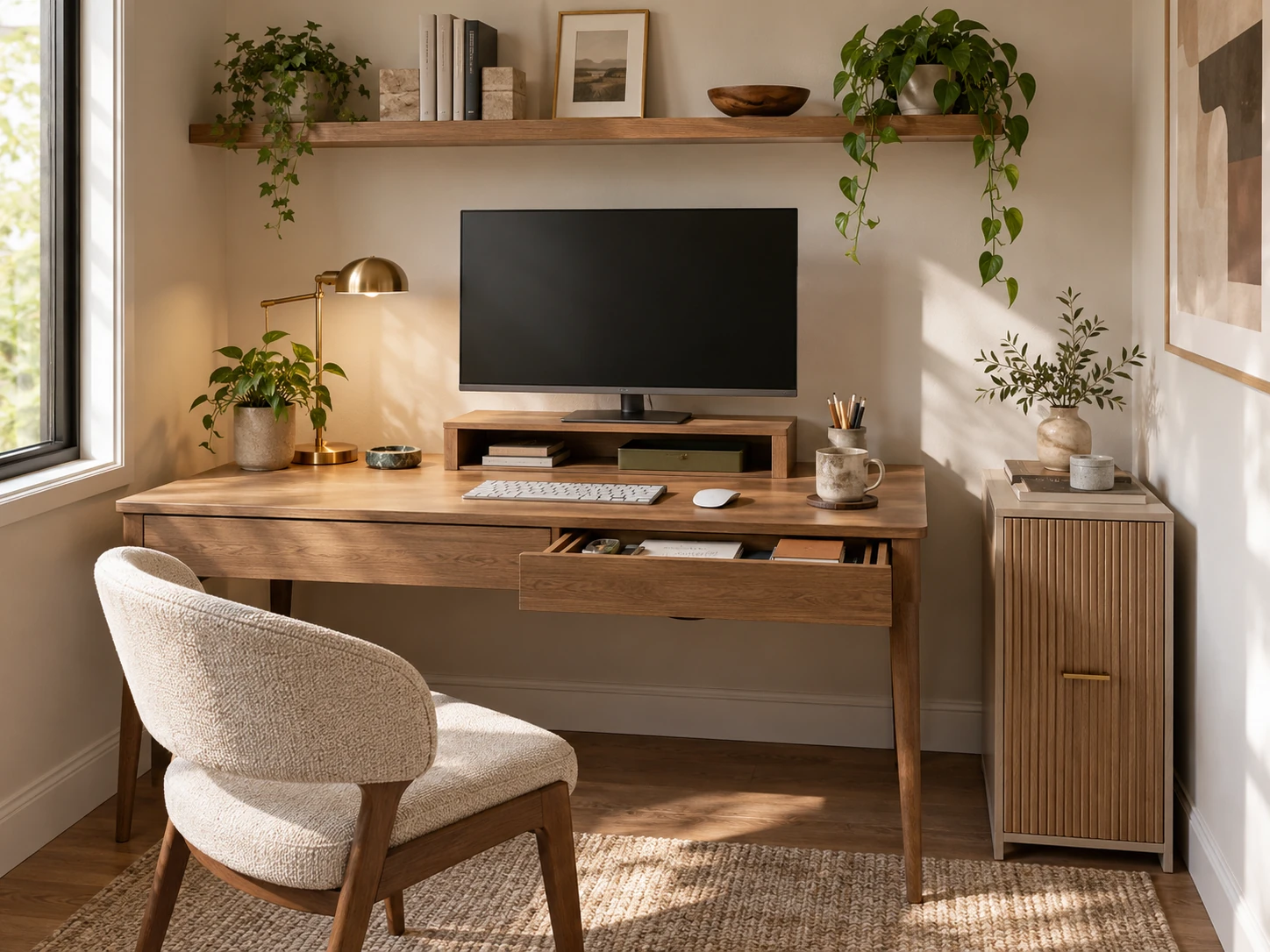
What matters most
- 01
Keep the active desktop separate from room-level storage.
- 02
Put daily tools in the closest drawer or shelf, then move weekly and occasional supplies outward.
- 03
Use one focused vertical zone instead of scattering organizers across every wall.
- 04
Give paper, charging, printer supplies and project materials defined secondary homes.
- 05
Leave spare capacity so new projects do not immediately spill back onto the desk.
Separate desk organization from office storage
The desktop has one job: support active work. The rest of the room has to absorb everything that supports that work but does not need to remain on the surface, including files, paper stock, backup stationery, chargers, project materials and occasional equipment.
This distinction keeps this guide separate from By Sady’s published desk-organization guide, which focuses on the active desktop itself. Here, the goal is to build the storage system around that clear desk.
| Zone | What belongs there | What does not |
|---|---|---|
| Surface | Current device, current notebook, one or two active tools | Backup supplies, unopened products, finished paperwork |
| Easy reach | Daily pens, charger, headphones, current files | Seasonal equipment and rarely used accessories |
| Archive / secondary storage | Spare cables, paper stock, completed projects, occasional tools | Anything you need several times a day |
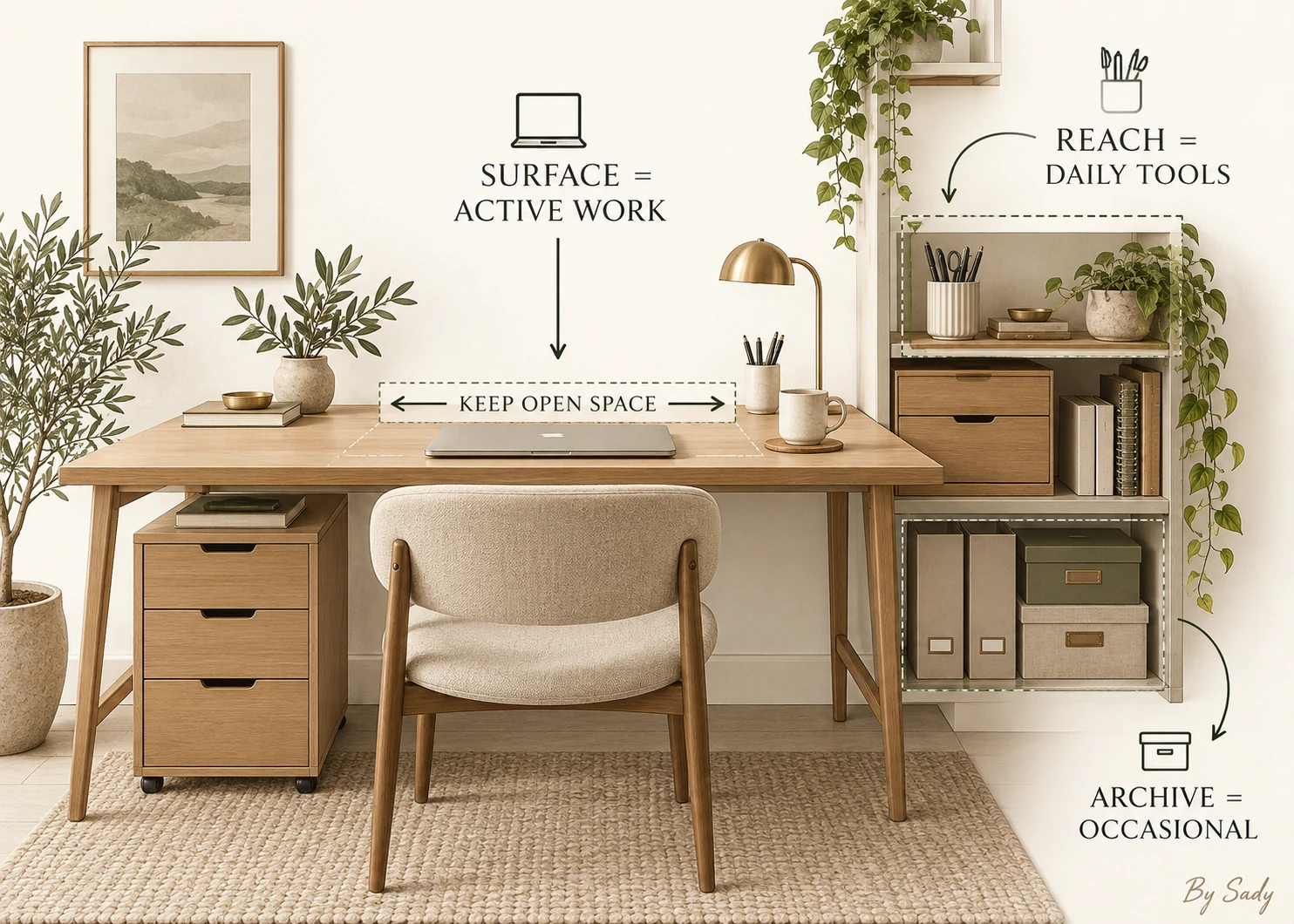
Use the published desk guide for the work surface itself; use this guide for storage around it.
Read the guide →Organize by frequency first
Daily tools belong in the first drawer, a monitor riser drawer or a nearby cup. Weekly tools can live in a side cabinet or upper shelf. Rare supplies should be outside the immediate work zone.
Frequency reduces unnecessary reaching and prevents prime storage from being occupied by backup notebooks, spare cables or old project material.
Use shallow drawers for small daily tools
Shallow storage keeps pens, adapters, sticky notes and small tools in one visible layer. Deep drawers often turn these categories into stacked clutter because small objects disappear under larger ones.
Use only enough dividers to stop categories mixing. Tiny compartments for every object make the system fragile when a tool changes size.
Let a monitor riser do two jobs
A riser can add a shallow storage zone while also supporting screen height, but the screen position still has to suit the user. Do not raise the monitor simply because a storage accessory looks tidy.
If the riser creates comfortable screen placement, use the cavity for a keyboard, notebook or daily tools. Keep it mostly open so it does not become another hidden junk shelf.
Move bulky categories beside the desk
Paper reams, camera equipment, craft supplies and large notebooks consume valuable working depth. A slim side cabinet or rolling unit can hold them without making the desk itself wider or deeper.
Keep the side unit within reach only for categories you use often. Otherwise it can sit just outside the chair zone and preserve movement.
Use vertical storage selectively
One shelf or peg zone can lift reference books, headphones or a small inbox off the surface. Covering the wall with many organizers can make a compact office feel more crowded than the clutter they replaced.
Choose one vertical zone and leave the rest of the wall visually calmer. This creates a clear work area instead of storage wallpaper.
Keep paper on a strict diet
Paper expands when there is no limit. Use one active tray or file for documents that genuinely need attention and archive or discard completed material on a regular schedule.
If an entire file cabinet is necessary, it probably deserves its own storage location rather than being compressed into desk accessories.
Create one charging home
Chargers and cables are easier to maintain when they return to one drawer, tray or mounted power zone. Label unusual cables if you cannot identify them at a glance.
Avoid creating a nest of extension cords inside closed storage. Power accessories need to be used according to their ratings and manufacturer instructions.
Leave spare capacity
A storage system filled to one hundred percent on day one has no room for normal change. Leave part of a drawer or shelf open for a new project, temporary paperwork or one additional tool.
This reserve prevents the surface from becoming the overflow zone every time something new arrives.
Reset by category, not object
At the end of the day, put all writing tools back in the writing zone, all loose paper in the active-paper zone and all cables in the charging zone. Category resets are faster than finding a perfect slot for every object.
If one category constantly overflows, reduce it or give it a larger home rather than buying another organizer immediately.
Compact desk-storage checklist
A strong setup has one clear surface, one daily drawer, one secondary storage zone and one place for paper and charging. More containers are not automatically better.
The desk should be able to return to a useful working state in a few minutes.
- Daily tools are within easy reach.
- Rare supplies are outside the prime work zone.
- Paper has one active limit.
- Cables return to one charging home.
- Vertical storage is concentrated rather than scattered.
- The work surface retains usable empty space.
Coordinate storage with chair movement, screen distance, lighting and the end-of-day reset.
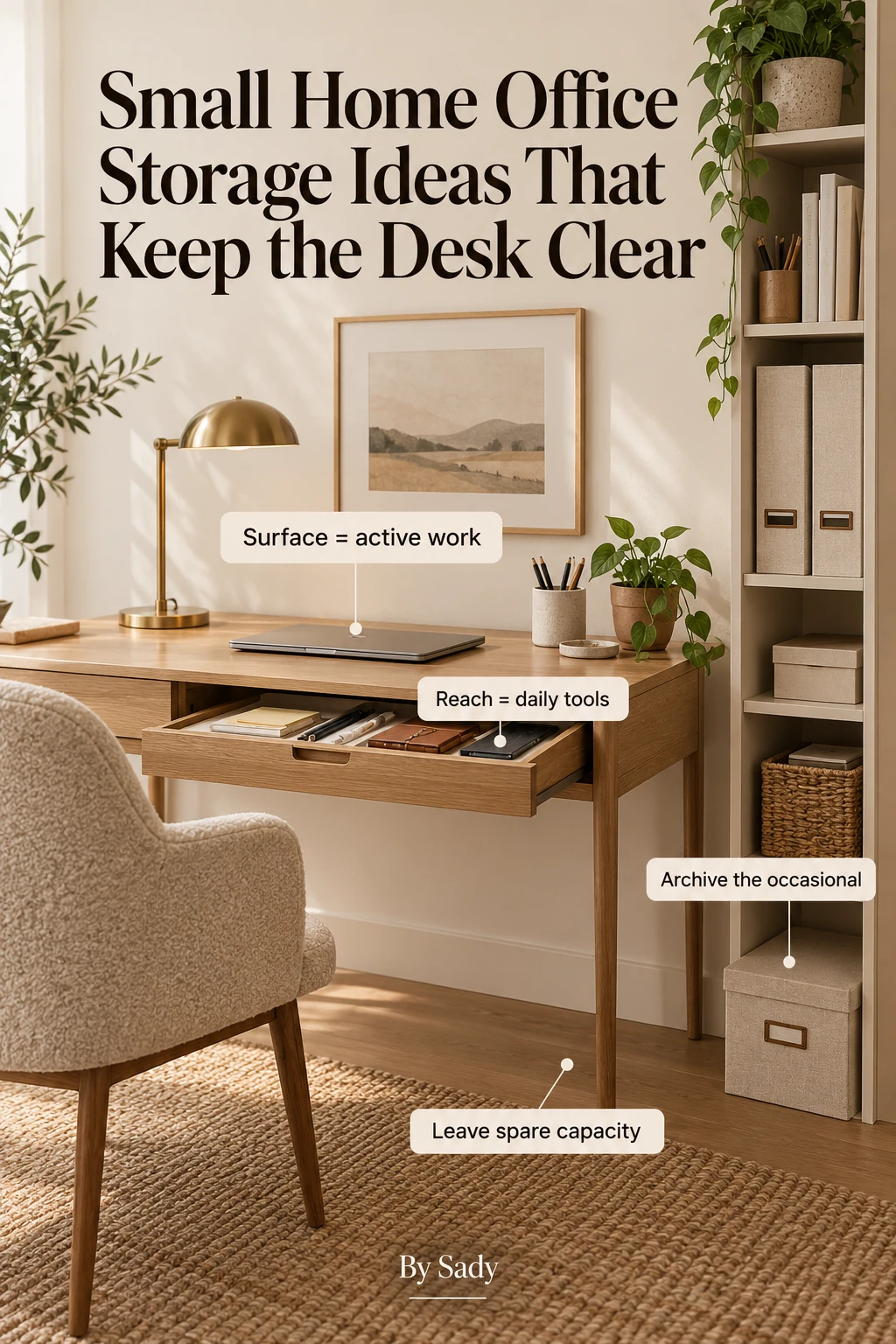
Read the guide →Keep the visual summary.
This is the condensed version of the guide, useful when you are planning, comparing options or returning to the key decisions later.
Where the measurable guidance comes from
By Sady's styling advice is editorial. Where this guide uses measurements or specific planning guidance, these are the references used. Always measure your own room and follow local electrical and building requirements.
- IKEA U.S.: Home office tips and ideas
Current reference for compact workspace storage and organization approaches.
- OSHA Computer Workstations
Reference for treating desk, input devices, monitor and chair as one workstation system.
Relevant finds from this guide.
Simple Houseware Three-Tier Metal Rolling Cart
Moveable three-tier metal storage trolley for stationery, spare supplies and home-office overflow.
Vtopmart 25-Piece Clear Drawer Organizer Set
Four sizes of shallow clear trays for separating makeup, brushes, jewelry and small daily-use items.
More from Home Office.
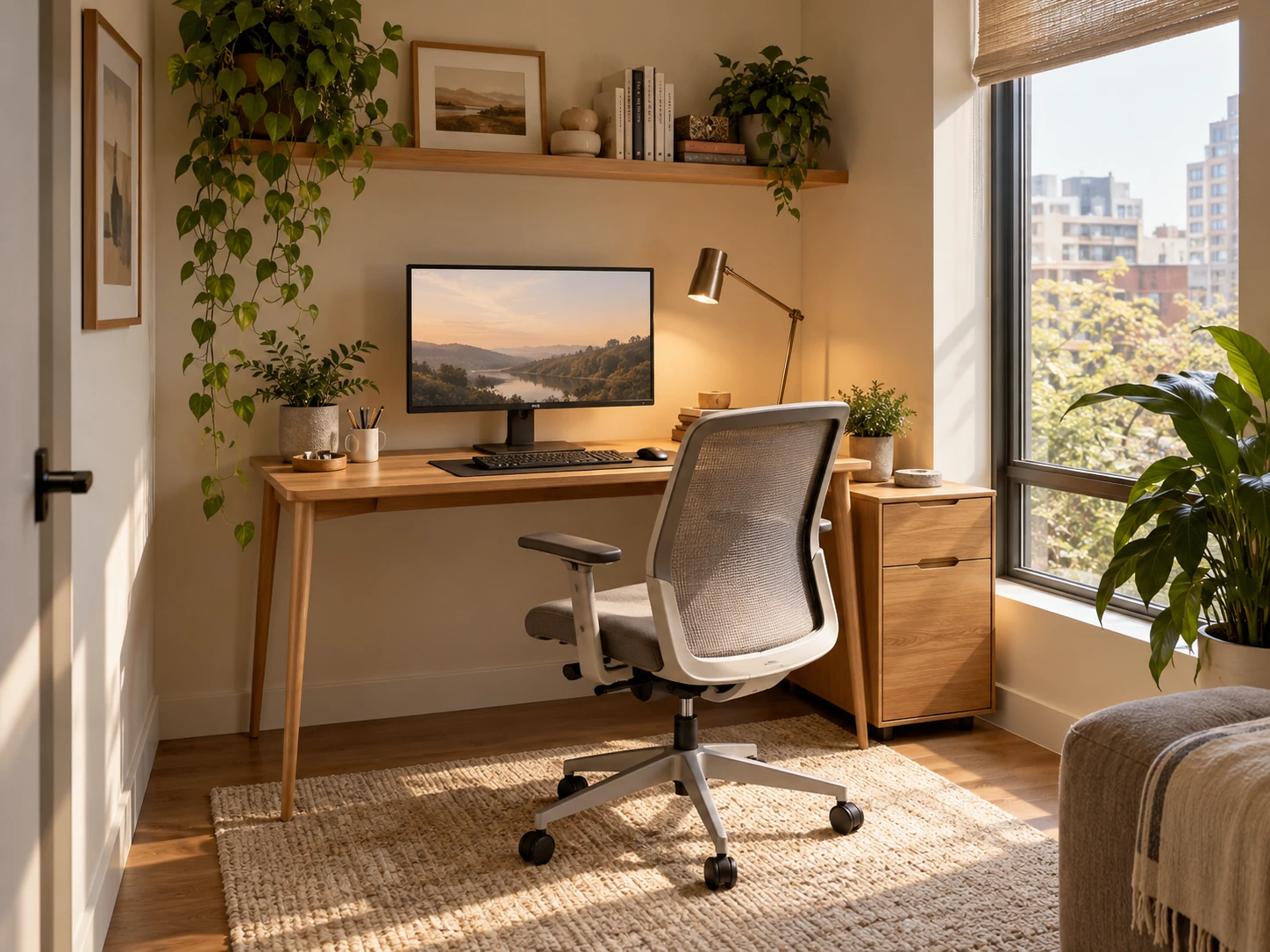
Small Home Office Layout & Setup Guide for Compact Rooms
A practical small-home-office guide for choosing the right work zone, desk footprint, chair clearance, lighting, storage and visual boundaries without letting work take over the room.

Desk Depth and Monitor Distance: Plan the Work Zone Before Buying
A measurement-first guide to desk depth, monitor distance, keyboard position and chair clearance so a compact workstation fits the user rather than forcing awkward posture.

Home Office Lighting Ideas for Better Focus and Less Glare
A layered home-office lighting plan built around daylight, task light, screen-glare control, video calls and softer evening light for compact workspaces.