
Desk Depth and Monitor Distance: Plan the Work Zone Before Buying
A measurement-first guide to desk depth, monitor distance, keyboard position and chair clearance so a compact workstation fits the user rather than forcing awkward posture.
The desk that fits the wall can still be the wrong desk. If the screen ends up too close, the chair blocks the route or the keyboard pushes you forward, the measurement that looked “compact” has simply moved the problem into your body and the room.
Part of the By Sady guide Small Home Office Layout & Setup Guide for Compact Rooms →
What matters most
- 01
Start with the monitor viewing distance and keyboard position, then calculate desk depth.
- 02
Treat published dimensions as starting guidance and adjust for screen size, vision and posture.
- 03
Protect chair movement behind the desk before using every remaining inch for storage.
- 04
A monitor arm can free surface space but does not eliminate the need for adequate viewing distance.
- 05
Test the setup physically before committing to a compact desk.
Desk depth is a body measurement disguised as furniture
A desk is not deep enough simply because the monitor stand fits on it. The usable depth has to support the distance from your eyes to the screen, the keyboard and mouse position, and enough forearm room to work without reaching forward.
The correct result depends on the user, screen and task. A laptop-only setup can be physically shallow but often ties the screen and keyboard together in a way that is harder to adjust. A separate monitor, keyboard and mouse create more flexibility but usually need more total depth.
Use monitor-distance guidance as a starting point
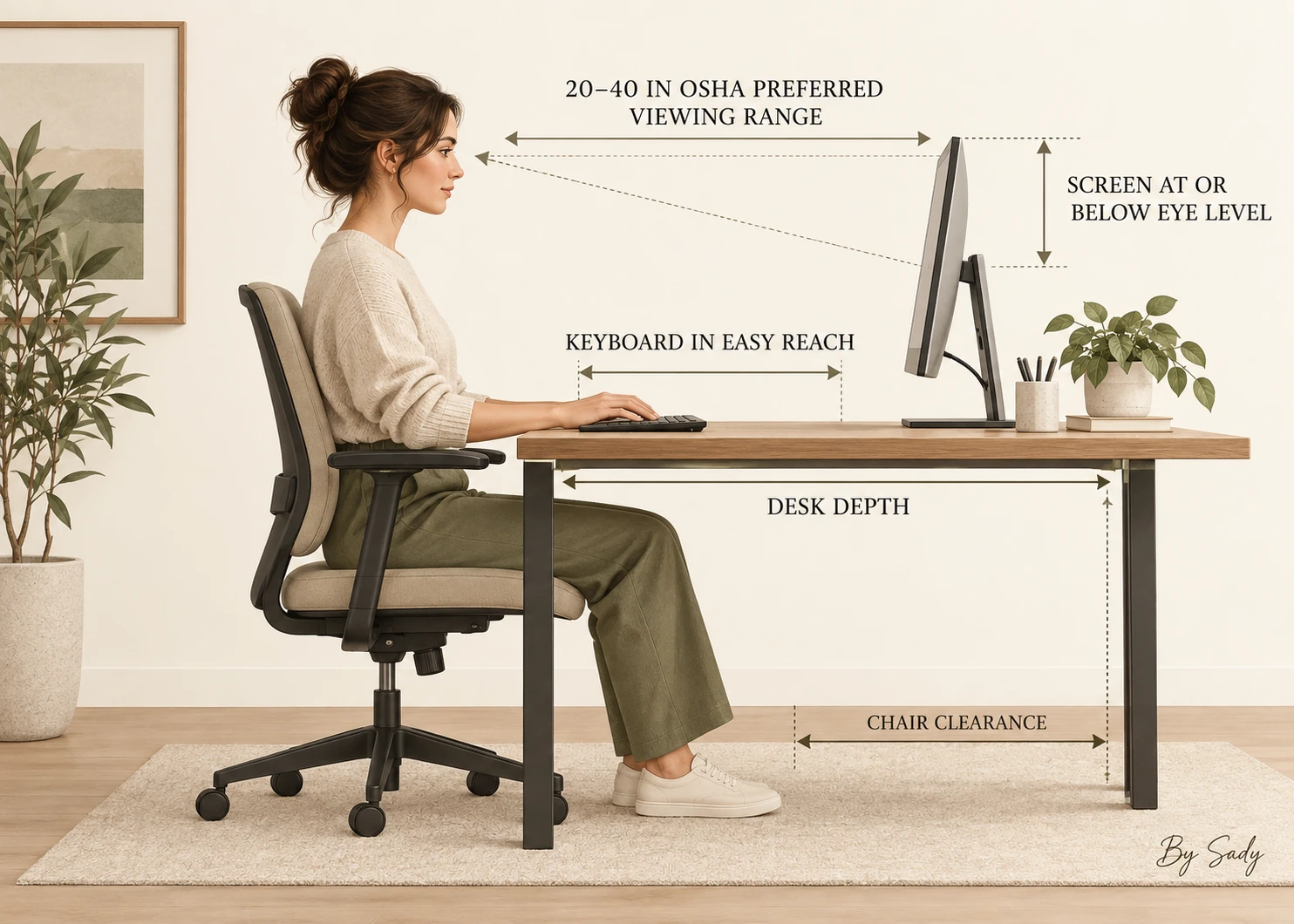
OSHA states that a preferred viewing distance is generally around 20 to 40 inches from the eyes to the front of the screen, while CCOHS describes an arm’s length as a practical starting estimate and emphasizes individual adjustment. These are not furniture dimensions. They describe the relationship between the user and display.
If text is difficult to read at a comfortable distance, increasing text size is usually a better first response than pulling the screen excessively close. Larger or ultrawide displays may need to sit farther back to reduce head movement.
| Setup | What to test before buying | Typical failure |
|---|---|---|
| Laptop only | Can the screen and keyboard both sit comfortably without hunching? | Screen is low because the keyboard fixes the laptop position |
| Single external monitor | Can the screen sit at a readable distance while the keyboard stays in easy reach? | Desk is deep enough for the stand but not for the user |
| Large or ultrawide display | Can the whole screen be viewed without repeated neck rotation? | Display is physically too close for its width |
| Monitor arm | Does the arm have clamp, wall and movement clearance? | The arm saves surface space but needs room behind the desk |
Fit screen distance, chair movement, lighting and storage into one compact work zone.
Read the guide →Measure from the seated eye position
Sit in the chair with your back supported and hands where the keyboard will be. Measure from the approximate eye position to the front face of the monitor. Then measure the gap from the monitor to the rear edge of the desk and from your hands to the front edge.
This simple physical mock-up is more reliable than buying a desk from a product photo. Use books or boxes to represent the screen if necessary and test the setup before you commit.
Plan the keyboard and mouse as one input zone
The keyboard should not force the shoulders forward, and the mouse should sit close enough that the upper arm can remain relaxed. CCOHS notes that an easy-reach mouse position matters because repeated reaching to the side can create discomfort.
A compact keyboard can free lateral space for the mouse, especially when a full number pad is not needed. That can be more useful than choosing a much wider desk.
Desk depth changes when the monitor is on an arm
A monitor arm can recover surface area because the stand no longer occupies a large footprint. It can also make it easier to adjust height and distance. But it does not create extra room behind the user, and it does not make a very shallow desk automatically comfortable.
Check the arm clamp, wall clearance and maximum extension. Some arms need space behind the desk to move, which can increase the total distance from the wall.
Do not spend chair clearance on a deeper top without checking
In a compact room, adding four inches to desk depth removes four inches from somewhere else. That may be chair movement, a walkway or clearance for a door. Measure the desk and chair as one combined footprint.
If a deeper desk blocks circulation, consider moving the monitor partly beyond the rear edge with a safe arm, using a corner position or reducing other furniture before sacrificing the viewing setup.
Corner desks can create useful monitor depth
OSHA specifically notes that corners can provide additional depth for a monitor. This can be useful when a straight wall is too shallow for a comfortable screen distance but the room has an unused corner.
The trade-off is storage and leg space. Corner furniture can become bulky quickly, so use the geometry only when it solves a real depth problem.
Watch window and light direction
A correctly measured screen can still be uncomfortable if it reflects a bright window or sits under a harsh light. OSHA recommends positioning monitors to reduce glare, and CCOHS likewise emphasizes changing screen and light relationships rather than relying on anti-glare accessories.
When possible, place the screen so strong daylight arrives from the side instead of directly behind or in front of it. Test the room at the brightest part of the day.
Use a simple depth test before buying
Tape the proposed desk depth on the floor and place a temporary surface at that line. Sit with the keyboard and a screen-sized object. Pull the chair back as you would in normal use and walk behind it.
If the room fails the test, change the plan before buying. Furniture returns are harder than moving tape.
Continue with this part of the plan Use the printable desk chair fit plannerCompare available chair width, pull-back depth and armrest clearance before selecting the next chair.
Read the guide →Choose the desk from the whole workstation
The best depth is the one that supports the screen, hands, chair and room at the same time. There is no single universal number that replaces testing the actual setup.
Once those relationships work, then compare drawers, finishes, shelves and style. Function sets the envelope; design chooses what happens inside it.
Desk-depth checklist
Confirm the eye-to-screen distance, monitor height, input zone and chair movement in the same mock-up. Measure the desk’s outside footprint and any monitor-arm movement behind it.
A compact workstation should feel physically calm before it looks visually calm.
- Screen can sit at a comfortable readable distance.
- Top of screen can be at or below eye level.
- Keyboard and mouse stay in easy reach.
- Forearms have useful support without a sharp desk edge.
- Chair can move without blocking the room.
- Window glare can be controlled.
- Monitor stand or arm has safe clearance.
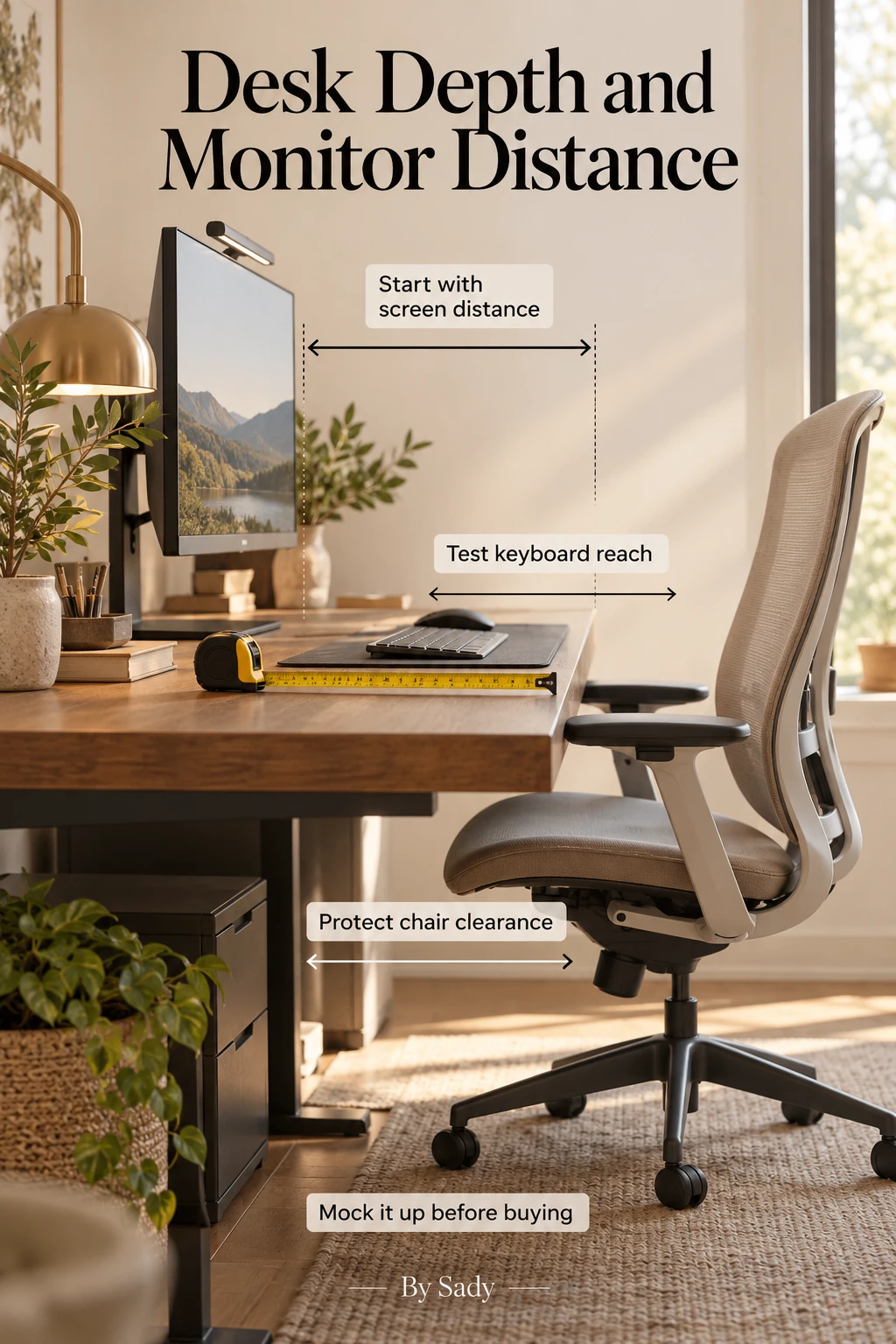
Keep the visual summary.
This is the condensed version of the guide, useful when you are planning, comparing options or returning to the key decisions later.
Where the measurable guidance comes from
By Sady's styling advice is editorial. Where this guide uses measurements or specific planning guidance, these are the references used. Always measure your own room and follow local electrical and building requirements.
- OSHA Computer Workstations: Monitors
Primary guidance for viewing distance, monitor height and available desk depth.
- CCOHS: Office Ergonomics - Positioning the Monitor
Reference for viewing angle, distance and individual adjustment.
- CCOHS: Computer Mouse - Location Beside Keyboard
Reference for keeping the pointing device in an easy-reach zone.
More from Home Office.
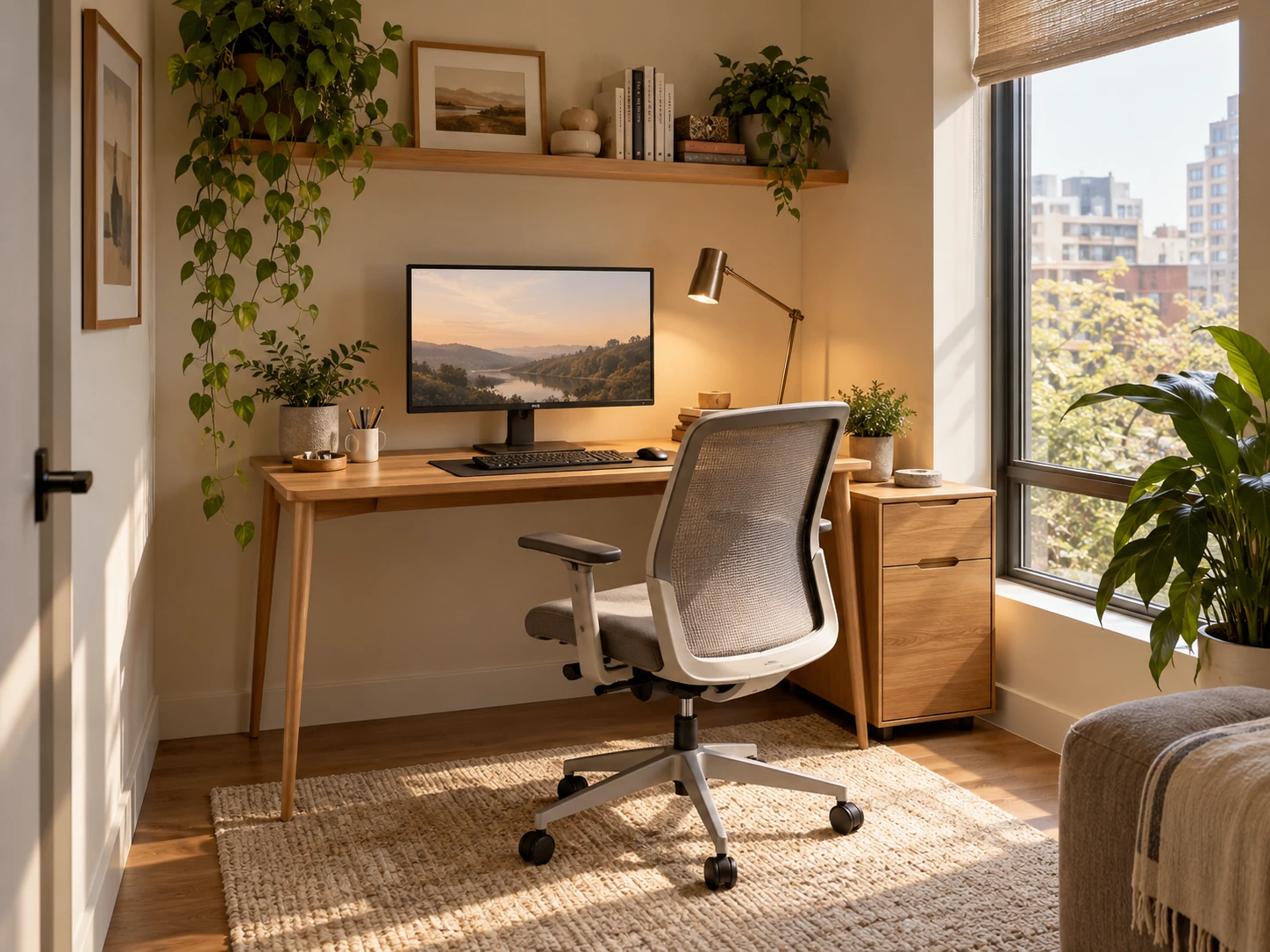
Small Home Office Layout & Setup Guide for Compact Rooms
A practical small-home-office guide for choosing the right work zone, desk footprint, chair clearance, lighting, storage and visual boundaries without letting work take over the room.
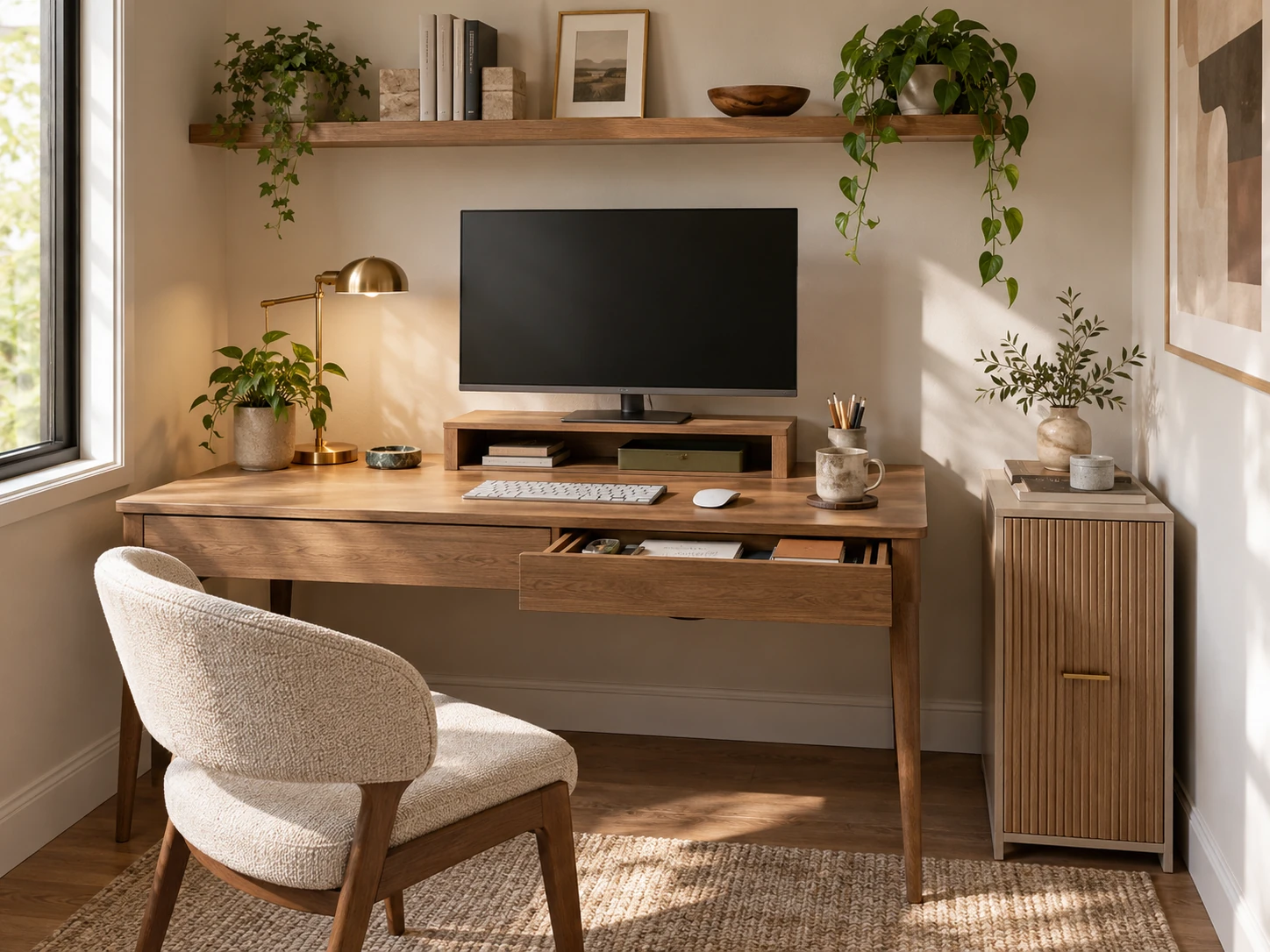
Small Home Office Storage Ideas That Keep the Desk Clear
A room-level storage plan for compact home offices: keep the desktop focused on active work, then move files, supplies, paper, cables and occasional equipment into desk-adjacent, vertical and secondary zones.
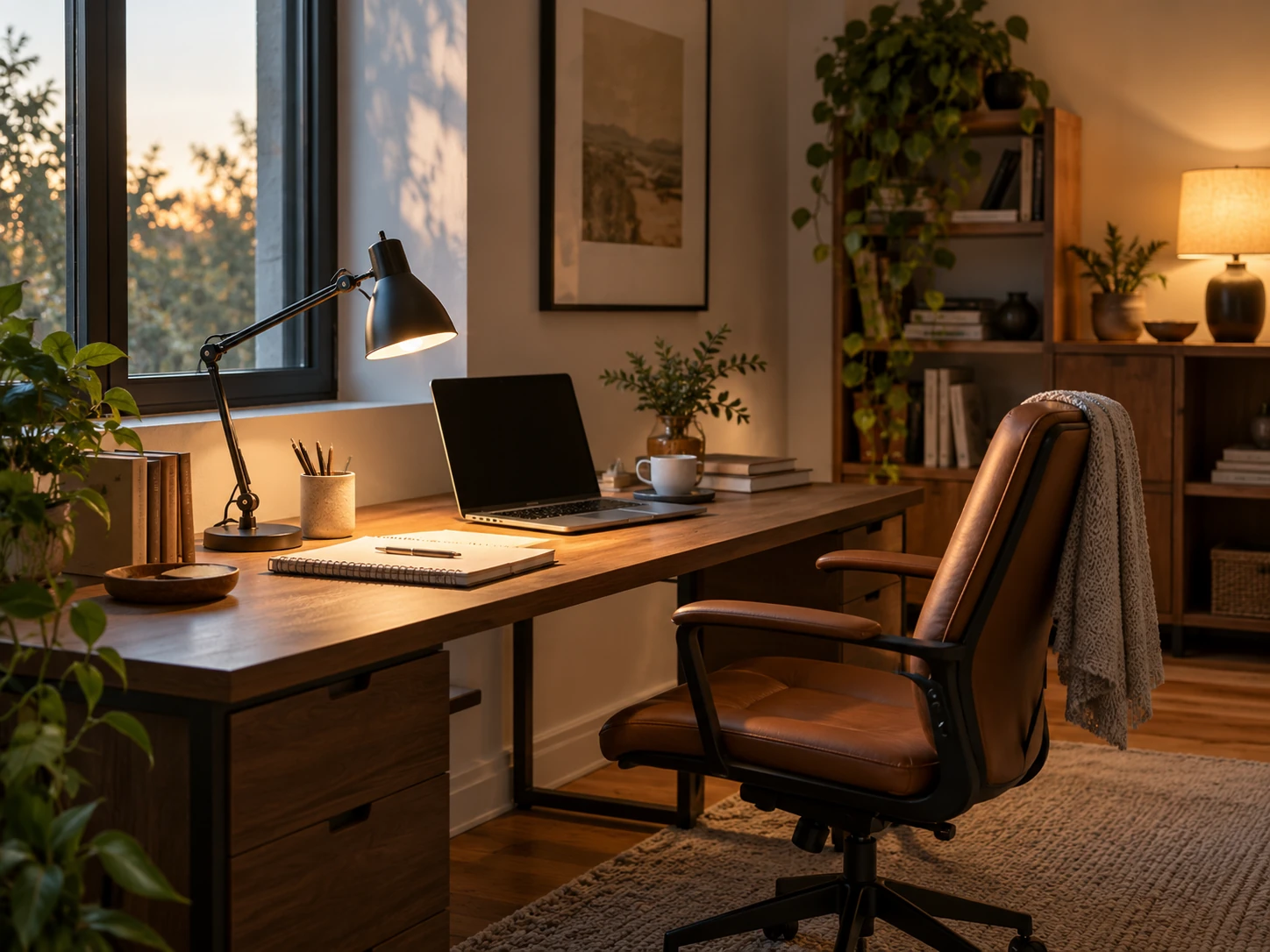
Home Office Lighting Ideas for Better Focus and Less Glare
A layered home-office lighting plan built around daylight, task light, screen-glare control, video calls and softer evening light for compact workspaces.