
Home Office Lighting Ideas for Better Focus and Less Glare
A layered home-office lighting plan built around daylight, task light, screen-glare control, video calls and softer evening light for compact workspaces.
A brighter office is not automatically a better office. The useful goal is balanced light: enough to work comfortably without turning the screen, window or lamp into a competing bright spot.
Part of the By Sady guide Small Home Office Layout & Setup Guide for Compact Rooms →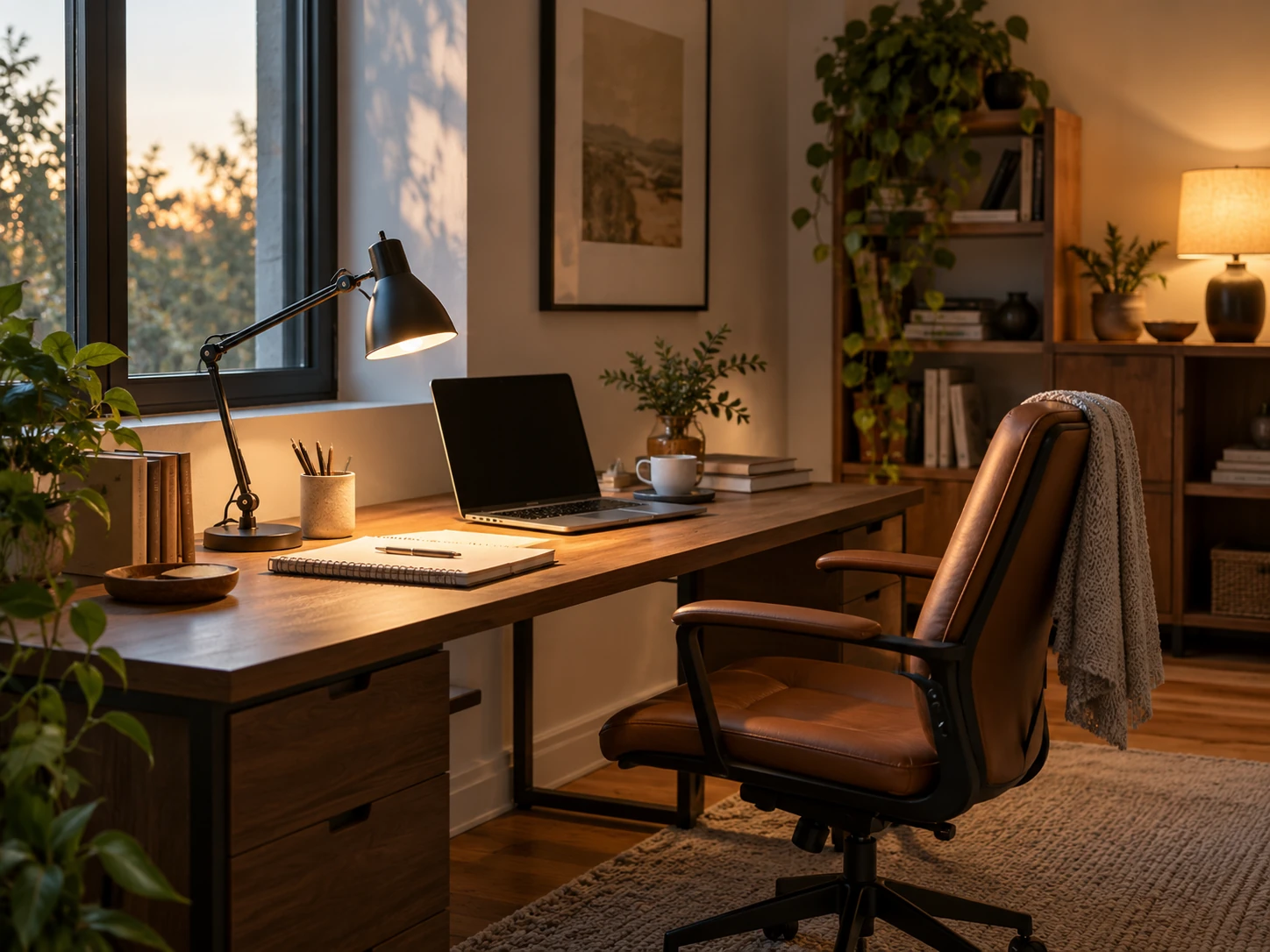
What matters most
- 01
Use daylight where it helps, then control it when it creates screen glare.
- 02
Combine general room light with a focused task lamp instead of relying on one very bright source.
- 03
Aim task light at the work, not into the monitor.
- 04
Use softer background light for evening sessions and video calls.
- 05
Test the setup at the actual hours you work.
Start with the brightest source already in the room
Before buying a lamp, work at the desk during the brightest part of the day. Note whether the window creates glare on the screen, strong contrast behind it or direct light in your eyes.
The right desk position may solve more than a new fixture. CCOHS recommends controlling glare through lighting design, screen position and adjustable blinds rather than treating an anti-glare screen as the first solution.
| Activity | Useful light layer | Common mistake |
|---|---|---|
| Screen work | Moderate general light plus controlled daylight | Working with a bright screen in an otherwise dark room |
| Reading or writing | Adjustable task light aimed at the work | Pointing the lamp into the monitor or the user’s eyes |
| Video calls | Soft light in front or slightly to one side | Bright window directly behind the chair |
| Evening wind-down | Lower, warmer background light | Leaving the full work-light setup on after work |
Use general light to reduce contrast
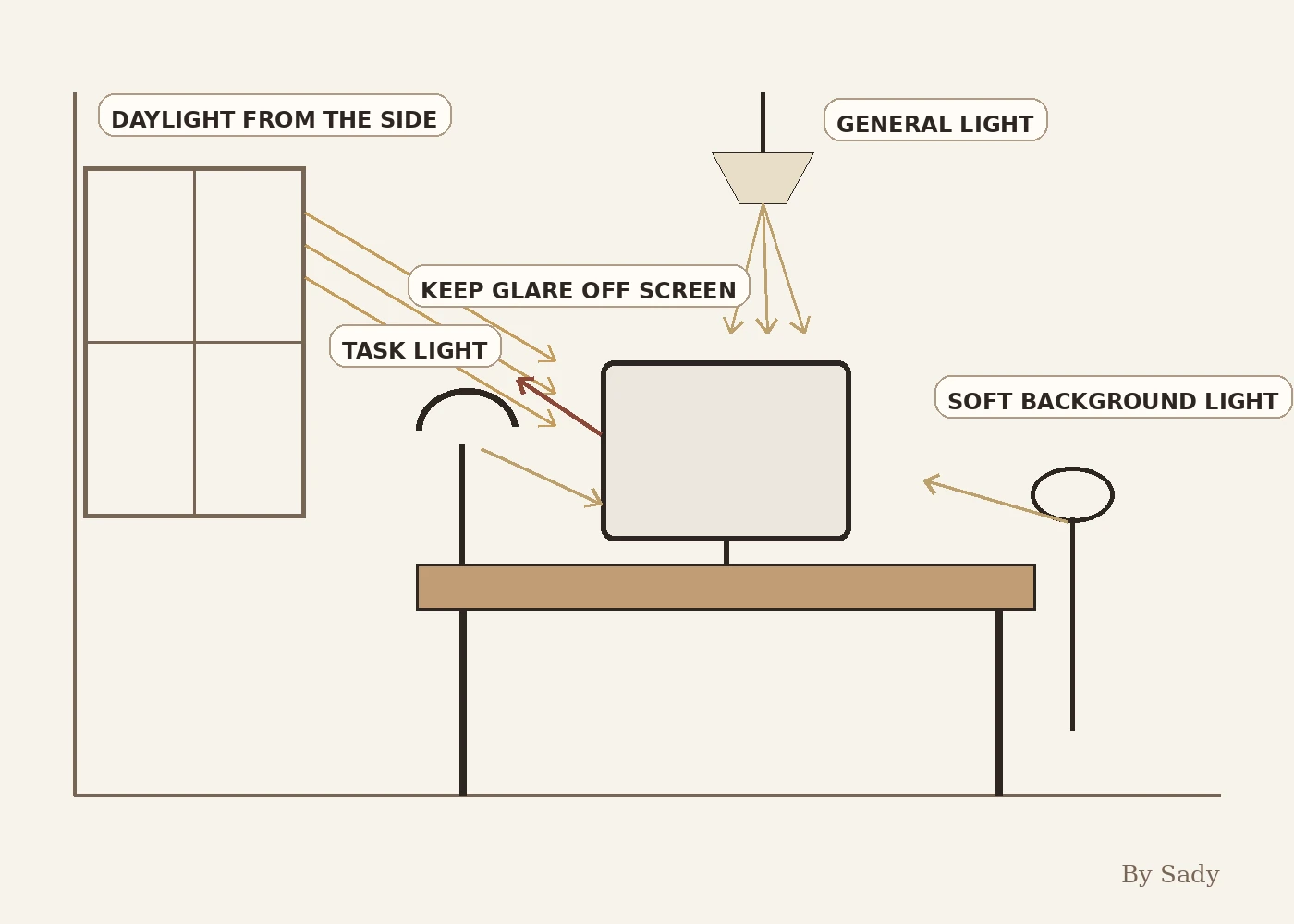
A screen in an otherwise dark room can feel harsh because the eyes move repeatedly between bright and dim areas. A moderate general room light softens that contrast without needing to flood the desk with light.
The general layer can come from a ceiling fixture, floor lamp or indirect wall light. It should make the room readable while leaving task lighting to handle detailed work.
Add task light where the hands work
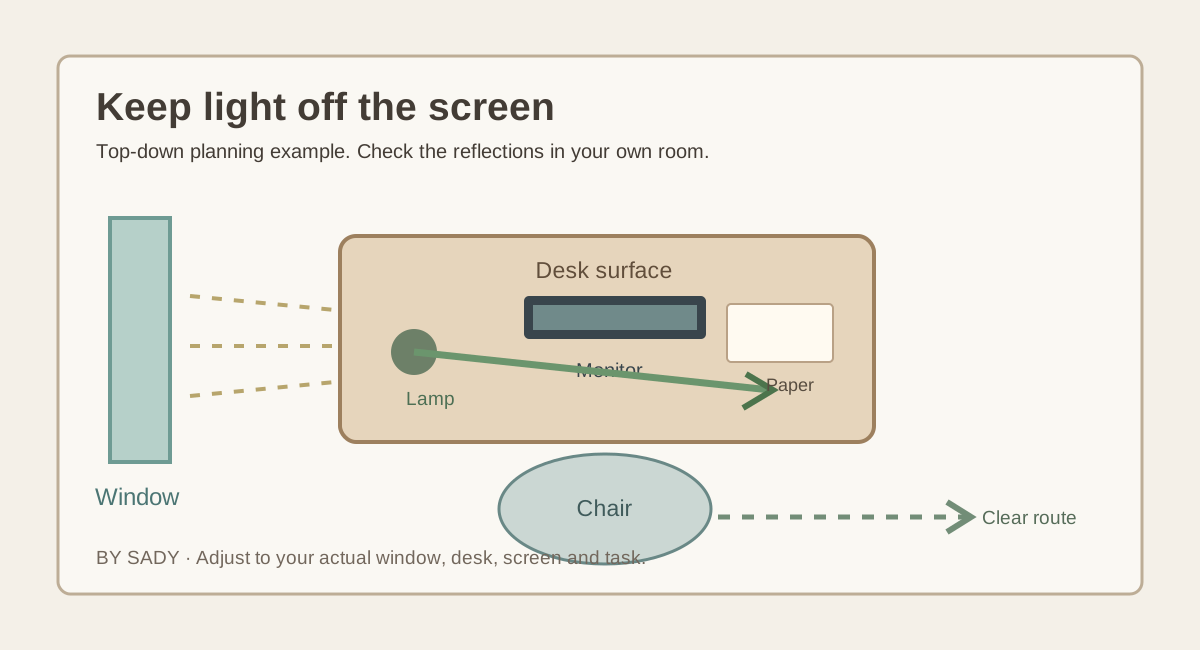
A desk lamp should illuminate paper, keyboard work or drawing without reflecting strongly in the screen. Place it to the side and adjust the shade or arm until the useful area is lit rather than the monitor.
If you write with one hand, the lamp often works better on the opposite side so your hand casts less shadow across the page.
Keep the monitor out of direct glare
OSHA recommends considering glare when placing a monitor and suggests orienting the screen in relation to windows and lighting so reflections are reduced. A small shift in angle can make a large difference.
Do not lock the desk against a wall solely for symmetry if turning it slightly produces a more comfortable screen relationship.
Use blinds or shades as working equipment
Window treatments in a home office are not only decoration. Adjustable blinds, shades or curtains let you keep useful daylight while reducing a bright patch that moves across the screen during the day.
Choose a treatment you can adjust quickly. If glare control requires moving furniture every afternoon, the lighting plan is not practical.
Plan video-call light separately
For calls, a soft source in front of or slightly beside the face usually looks more balanced than a bright window directly behind the chair. You do not need a permanent studio setup.
A small adjustable lamp that also works as task or ambient light is more useful in a compact office than a single-purpose fixture that occupies space between meetings.
Use warmer, lower light after work hours
If the office shares a bedroom or living room, strong work light can keep the whole room feeling active after the workday. A separate softer lamp lets the room change character without dismantling the desk.
That transition is especially valuable in multifunctional rooms because lighting can mark the shift between work and rest even when the furniture stays in place.
Keep lamp footprints proportionate
A large table lamp can consume much of a shallow desk. Wall-mounted, clamp or compact task lights can preserve the open surface, provided they are installed and used according to their instructions.
A small lamp with good adjustability is usually more useful than a decorative lamp that shines in only one direction.
Compare the real mounting base, adjustable arm reach, shade direction and cord path. A clamp lamp preserves desk space only if the desktop edge is compatible with the product clamp. A wall-mounted model needs suitable installation and may be less flexible in a rental.
| Lamp format | Useful when | Check before buying |
|---|---|---|
| Compact desk lamp | Reading or paperwork needs focused light | Stable base, arm movement, unwanted screen reflection |
| Clamp task lamp | Desk surface is limited | Desk-edge thickness and compatible clamping |
| Wall-mounted light | Desk needs an open work surface | Mounting support and safe placement |
| Ambient floor light | Screen area needs softer surrounding light | Walking route, cable path and glare |
Coordinate lighting with cable planning
Every extra lamp adds another power connection. Decide whether the lamp plugs into the wall, a rated power strip or an integrated charging point before finalizing its position.
Keep cords away from chair wheels and walking routes. A beautiful lamp is not worth creating a trip or cable-damage problem.
Test light with the real screen content
Open the applications you actually use and test dark and light backgrounds. A reflection that is invisible on a bright document may become distracting on darker content.
Adjust monitor brightness and room lighting together rather than maximizing one and compensating with the other.
Home-office lighting checklist
The room should have enough general light to avoid extreme contrast, enough task light for close work and enough control to prevent the window or lamp from dominating the screen.
Lighting succeeds when it supports the work without becoming another thing you have to manage constantly.
- Window glare can be controlled.
- Task light reaches paper and keyboard without hitting the screen directly.
- General light softens contrast around the monitor.
- Video-call lighting does not require permanent extra clutter.
- Evening light can shift the room out of work mode.
- Lamp cords stay out of chair and walking routes.
Coordinate lighting with desk depth, screen position, storage and circulation.
Read the guide →Keep the visual summary.
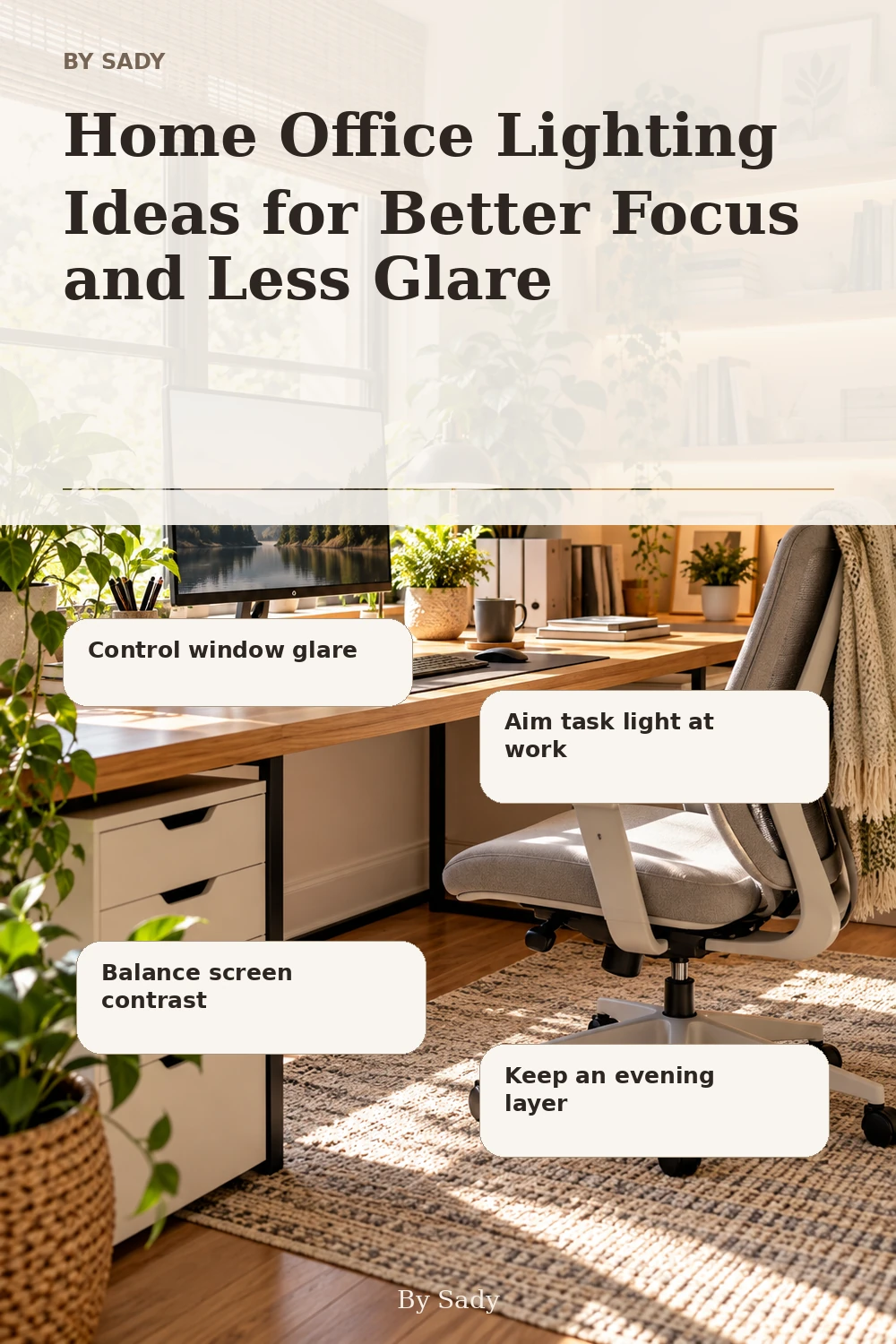
This is the condensed version of the guide, useful when you are planning, comparing options or returning to the key decisions later.
Where the measurable guidance comes from
By Sady's styling advice is editorial. Where this guide uses measurements or specific planning guidance, these are the references used. Always measure your own room and follow local electrical and building requirements.
- CCOHS: Office Ergonomics - Eye Discomfort in the Office
Reference for blinds, monitor/light orientation and task-light glare control.
- OSHA Computer Workstations: Monitors
Reference for monitor placement and glare considerations.
- IKEA U.S.: Home office tips and ideas
Current home-office reference including compact workspace and lighting ideas.
Relevant finds from this guide.
More from Home Office.
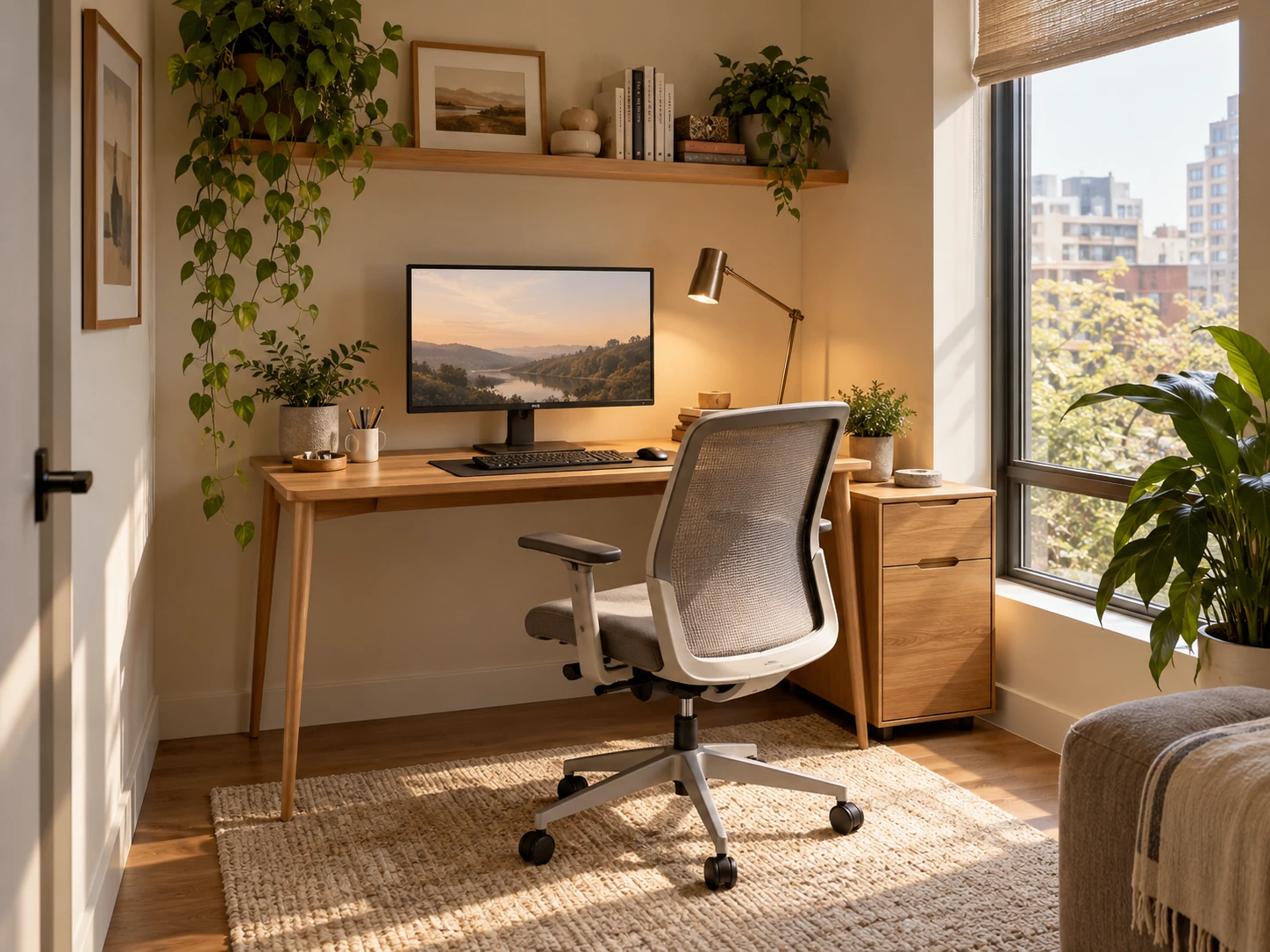
Small Home Office Layout & Setup Guide for Compact Rooms
A practical small-home-office guide for choosing the right work zone, desk footprint, chair clearance, lighting, storage and visual boundaries without letting work take over the room.
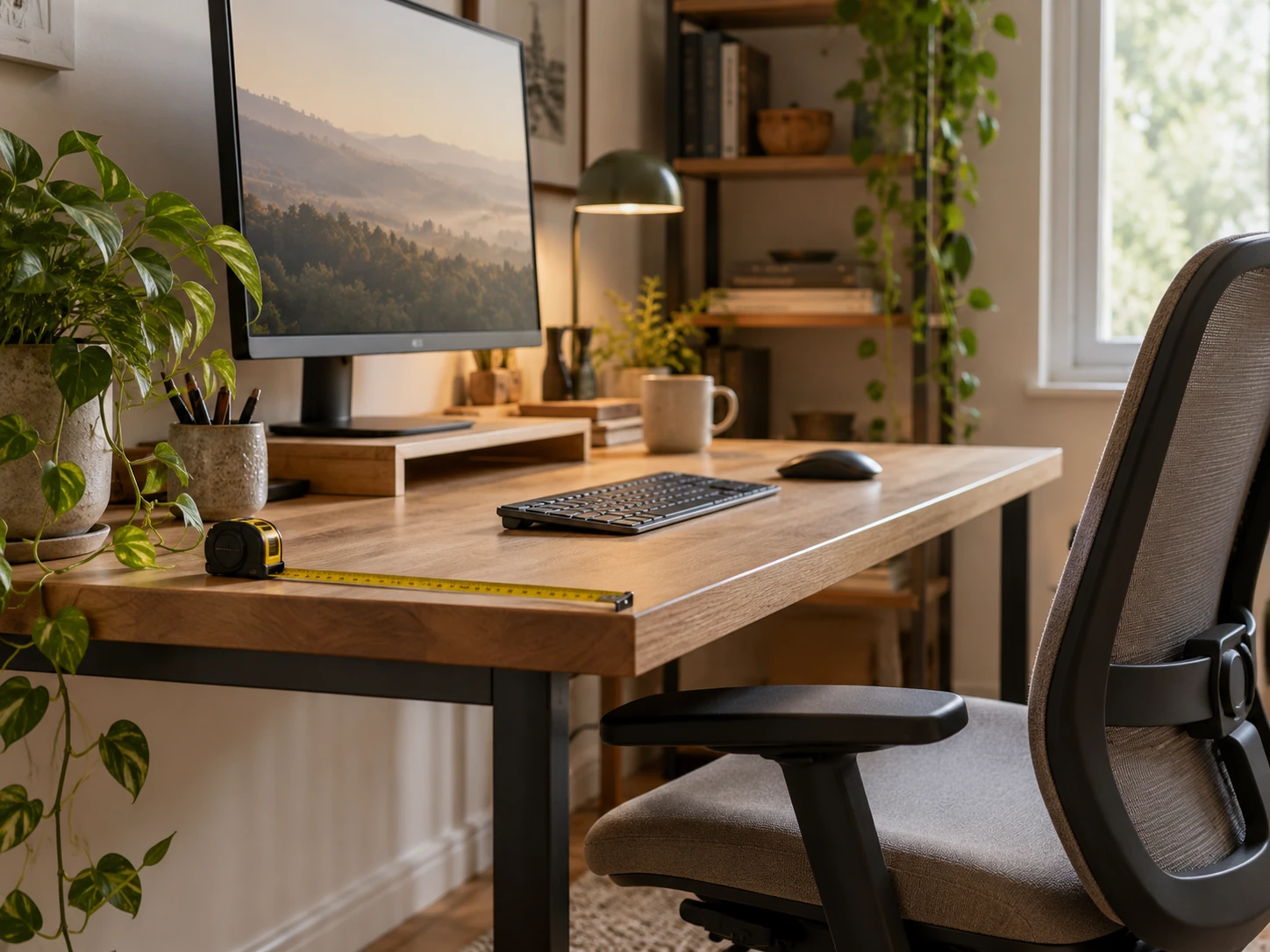
Desk Depth and Monitor Distance: Plan the Work Zone Before Buying
A measurement-first guide to desk depth, monitor distance, keyboard position and chair clearance so a compact workstation fits the user rather than forcing awkward posture.
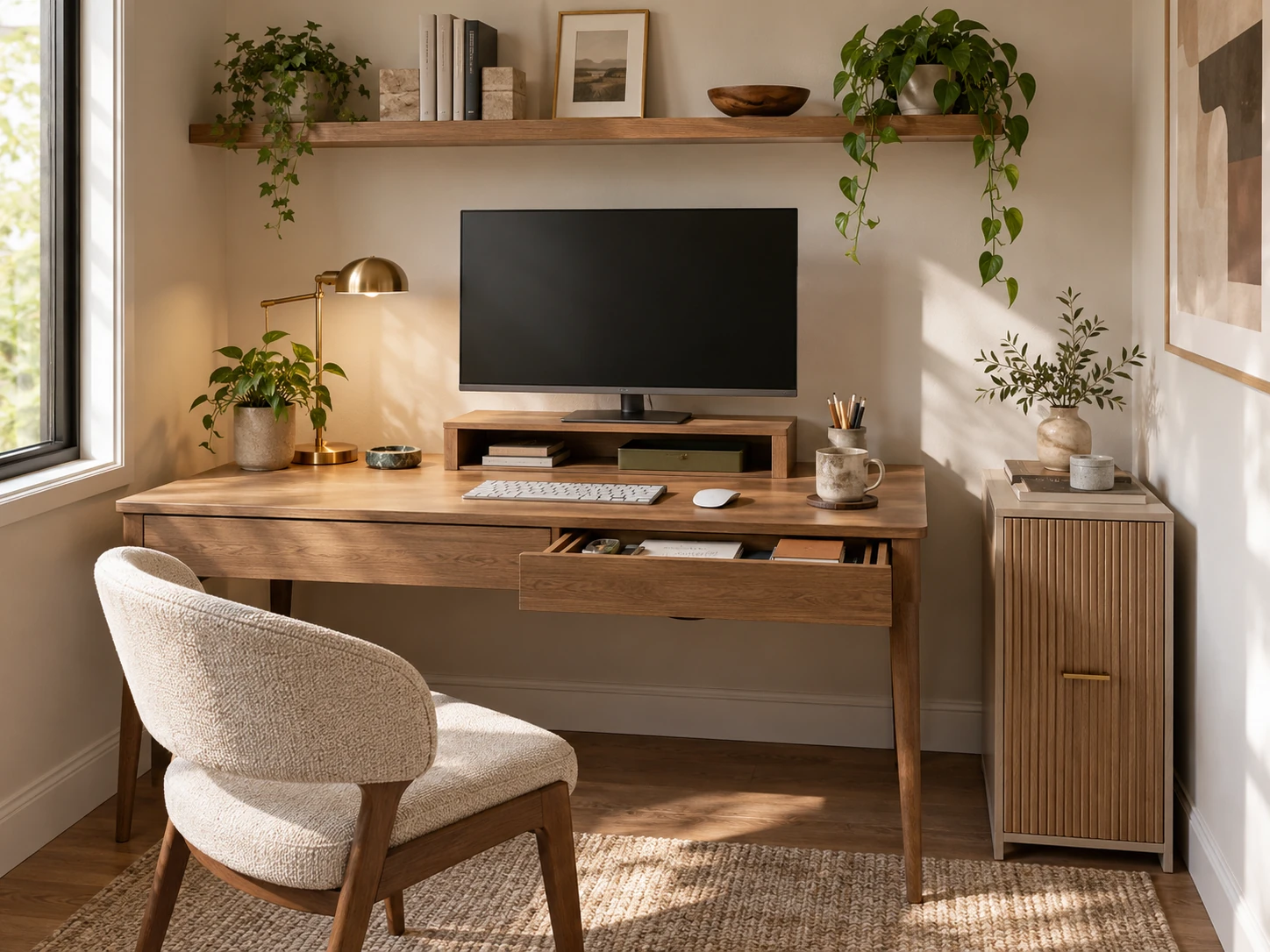
Small Home Office Storage Ideas That Keep the Desk Clear
A room-level storage plan for compact home offices: keep the desktop focused on active work, then move files, supplies, paper, cables and occasional equipment into desk-adjacent, vertical and secondary zones.