
Small Desk Setup Ideas for Bedrooms and Apartments: Monitor, Chair & Cable Planning
A practical small-desk planning guide for bedrooms, studios and apartments, covering equipment footprint, monitor distance, chair movement, lighting, cables and how to make work disappear after hours.
A small desk can save floor space and still create an uncomfortable workstation if the monitor is too close, the chair cannot move or every cable crosses the work zone. The setup has to fit the person as well as the room.
Part of the By Sady guide Small Bedroom Office Ideas →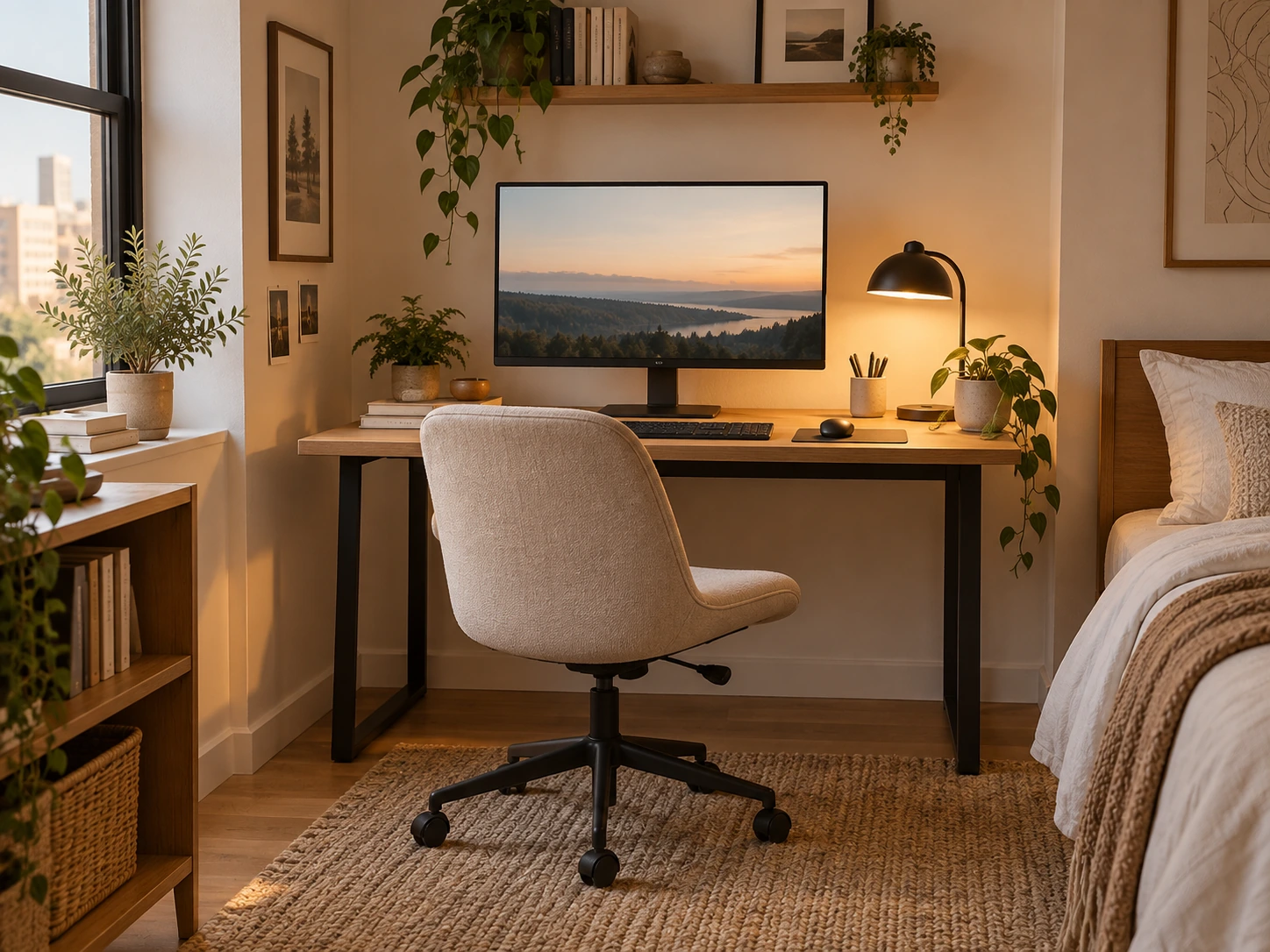
What matters most
- 01
Choose the desk from the real equipment footprint, not from the empty wall width.
- 02
Protect monitor distance, keyboard and mouse space before adding decorative accessories.
- 03
Plan the chair pull-back zone separately from the room’s walking route.
- 04
Control glare and add task lighting that does not reflect into the screen.
- 05
Give work equipment a shutdown home if the desk shares a bedroom or living room.
List the equipment before choosing the desk
A writing desk, laptop desk and monitor workstation need different amounts of depth. Measure the laptop, monitor stand, keyboard, mouse, notebook and anything else that must stay in the primary working area before deciding how small the desk can be.
OSHA’s workstation guidance emphasizes enough work-surface depth to place the monitor directly in front of the user at an appropriate viewing distance and enough room for frequently used devices. That means a narrow console can be attractive but still fail as a daily computer desk.
Build the setup from the task. If you work mostly from a laptop, a compact surface may be enough. If you use a large monitor, external keyboard and documents, the minimum useful footprint grows.
| What the desk must do | Plan for | Common failure to check |
|---|---|---|
| Laptop plus occasional notebook | Room for the laptop, mouse or writing area, and a comfortable screen position | A narrow surface puts the keyboard at the front edge or forces the neck down |
| External display plus keyboard and mouse | Readable screen distance with space for input devices and forearm support | The monitor stand fits, but there is no room to use the keyboard comfortably |
| Monitor arm on a shallow desk | Compatible edge, secure clamp or mount, screen adjustment and clearance behind the desk | The arm collides with a wall or the desktop cannot support the specified mount |
| Desk shared with a bedroom | Chair pull-back, door and wardrobe clearance, plus a way to put work tools away | The furniture fits against the wall but blocks movement when the chair is occupied |
Protect monitor distance before chasing a shallower desk
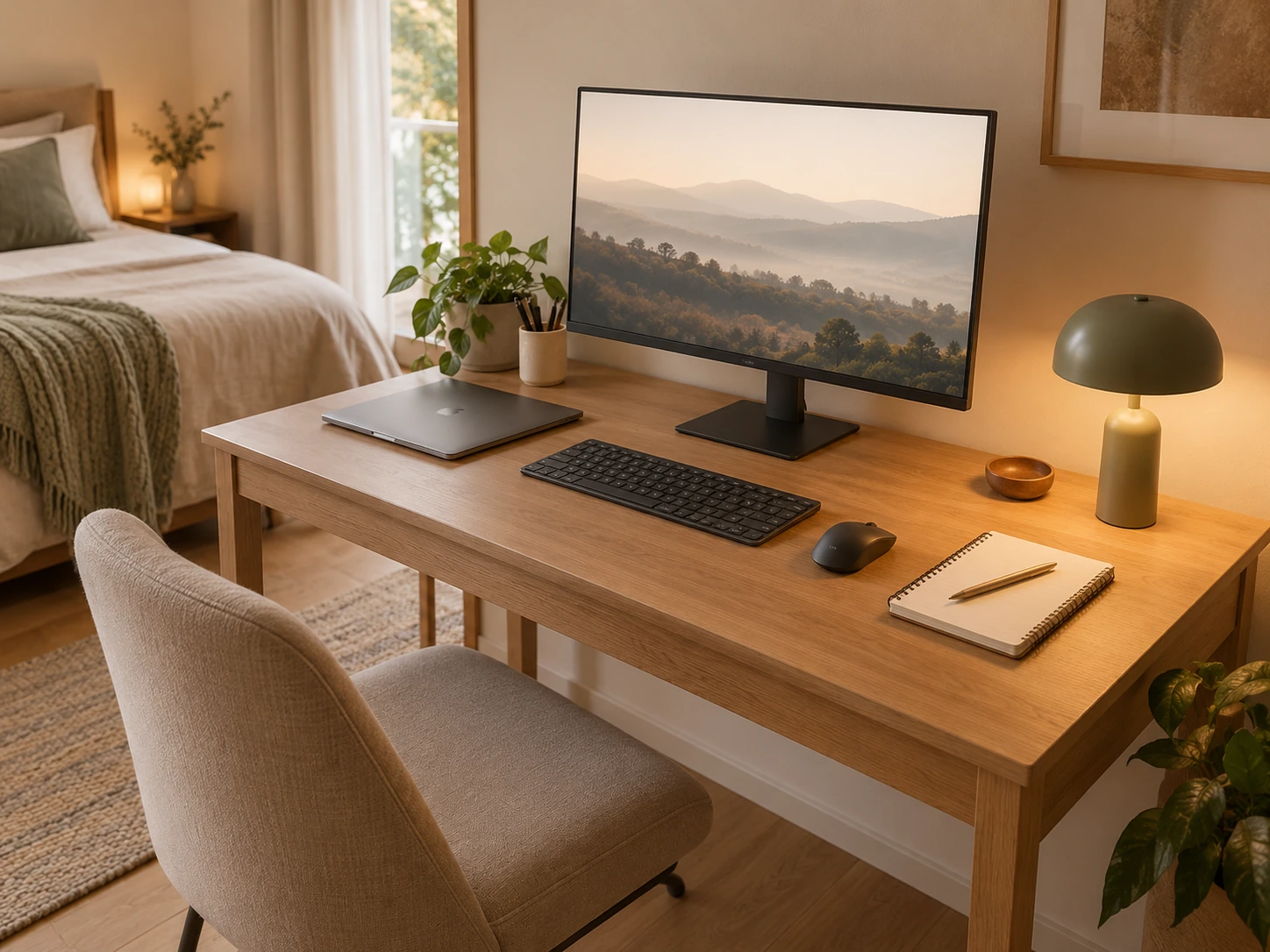
OSHA advises placing a monitor directly in front of the user and generally at least 20 inches away, with a comfortable viewing distance depending on text size and the display. A shallow desk can force the screen too close or push the keyboard and mouse into awkward positions.
If the room is tight, a monitor arm can sometimes reclaim stand depth, and a corner placement can create more diagonal depth. Those are layout tools, not excuses to ignore comfort.
Test the actual screen from the chair before committing to the desk. If you have to lean back to focus or lean forward to read, the setup needs adjustment.
Continue with this part of the plan Check monitor distance and desk depth before buyingReview screen viewing distance, keyboard reach and the extra mounting clearance that shallow-desk monitor arms need.
Read the guide →Plan the chair as part of the footprint
The desk may fit against a wall while the chair blocks the bed, wardrobe or main walking route. Measure the chair both tucked in and pulled back far enough to sit and stand comfortably.
In a bedroom, the chair zone should not overlap the route needed to get to the bed or wardrobe every day. In a studio, consider whether the chair can tuck fully under the desk or serve a second purpose when work ends.
Tape the chair rectangle on the floor and rehearse sitting down, standing up and walking behind it. This simple test catches more problems than measuring only the desktop.
Use the wall or corner that gives the screen the best conditions
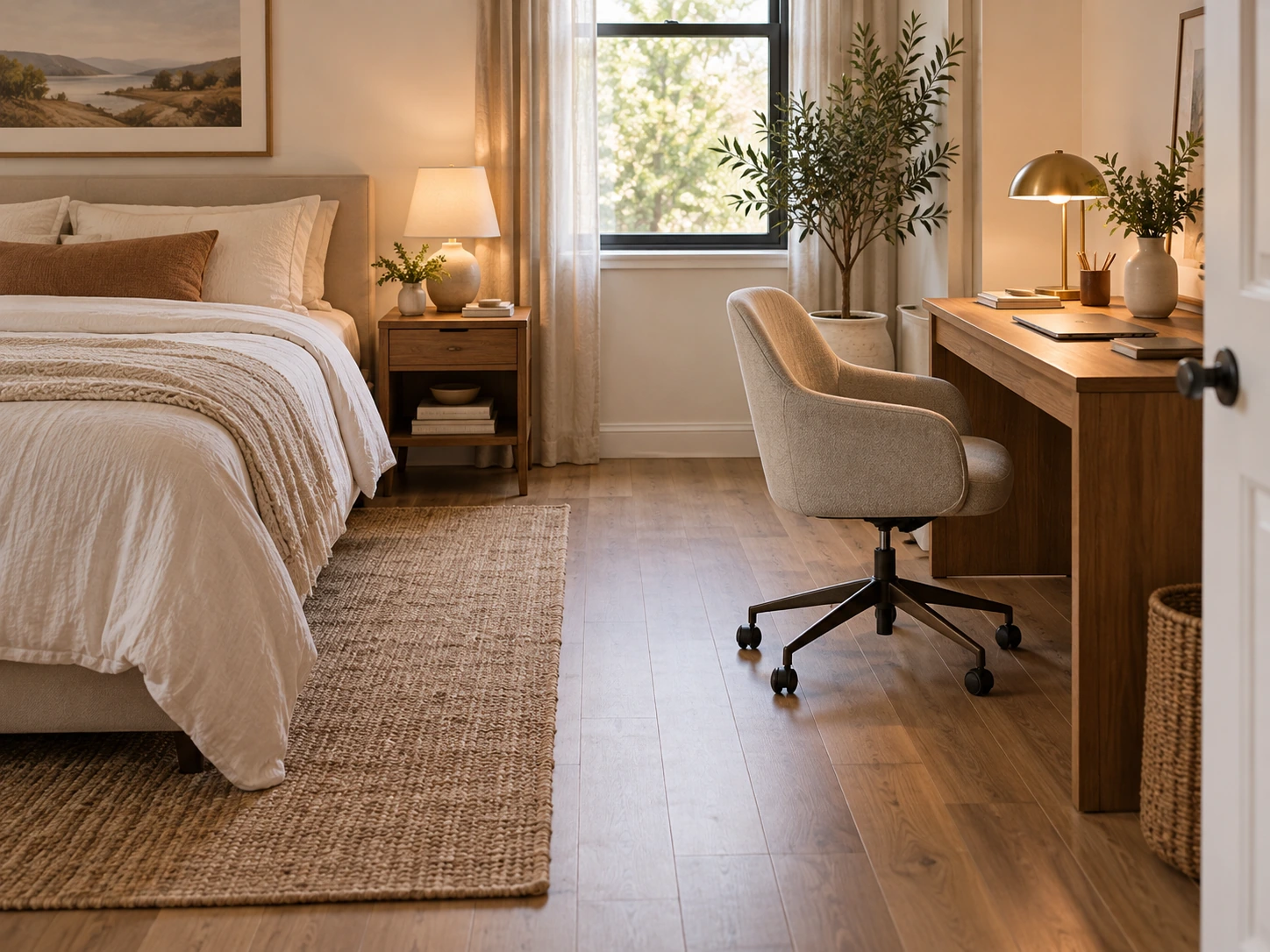
Window light is useful, but direct glare on the screen can make a desk uncomfortable. OSHA recommends arranging displays to reduce glare, including positioning screens at right angles to windows where possible.
Test the proposed wall in the morning and afternoon if you work during both periods. A desk that looks ideal in one photograph may become difficult when sunlight hits the screen for three hours.
A corner can be useful when it increases monitor depth or keeps the work zone away from the bed, but make sure the chair can still move naturally.
Keep the primary work zone deliberately empty
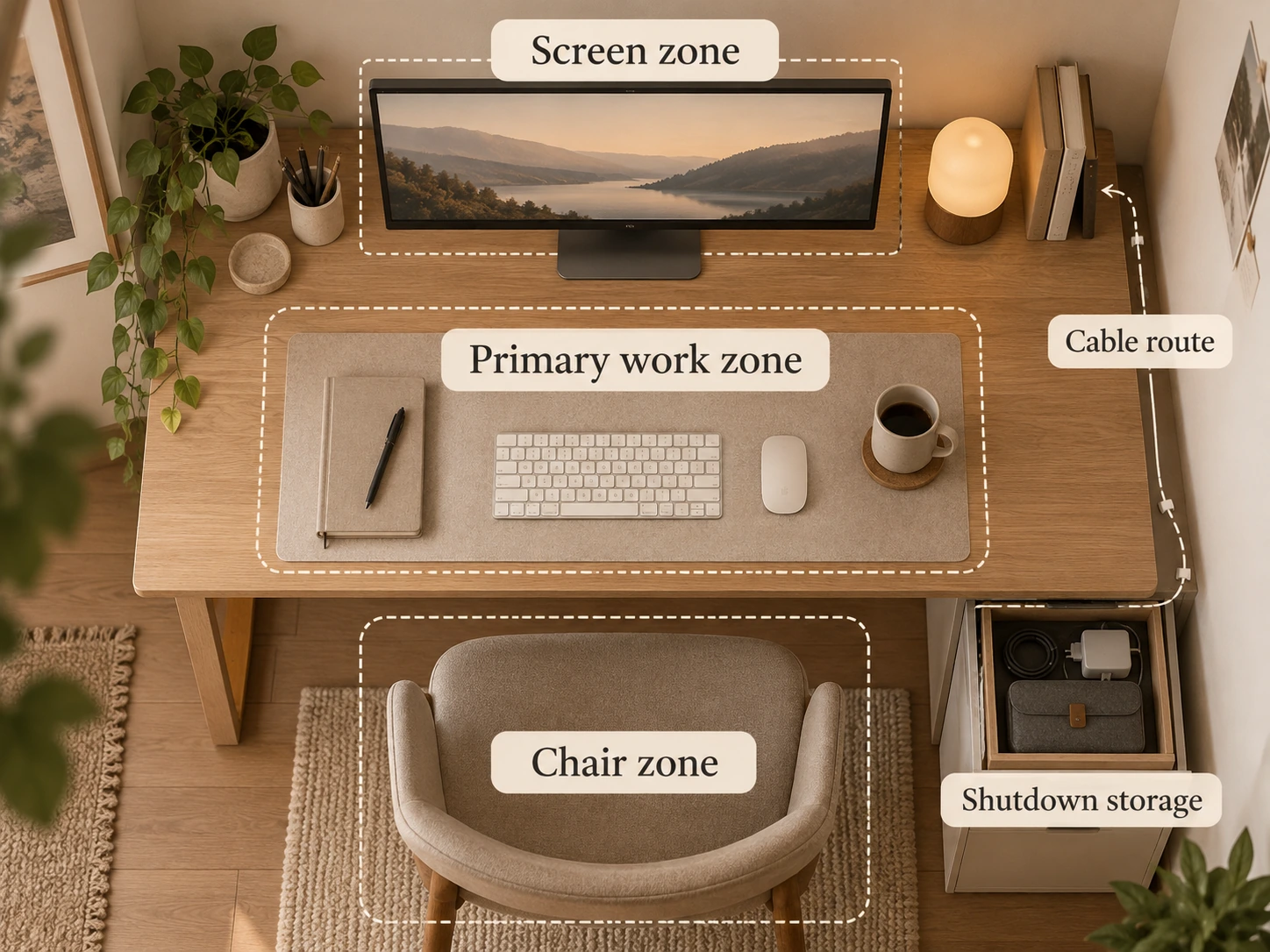
The center of the desk should belong to the task. Keep the keyboard, mouse, laptop, notebook or current document within easy reach and move low-frequency tools outward or into storage.
OSHA’s desk guidance similarly prioritizes frequently used devices within the primary work zone. That is a useful organizing principle because it prevents attractive accessories from occupying the best ergonomic space.
If something is used once a week, it does not deserve the same surface priority as the mouse you use all day.
Use vertical storage only after the screen and light are solved
Shelves, pegboards and wall cabinets can add useful capacity above a small desk, but they should not crowd the monitor, create a dark cave around the screen or put heavy items where they are awkward to reach.
Use upper storage for low-frequency supplies, books and light objects. Keep daily equipment at desk or drawer level. The wall should make the setup easier to use, not simply increase how much can be stored in one vertical strip.
If the desk is in a bedroom, one focused storage zone often looks calmer than multiple organizers scattered across the wall.
Give cables a route before buying cable accessories
The cleanest cable setup starts with outlet location. Trace power from the wall to the desk, then from the desk to the monitor, charger, lamp and any hub. Keep the route away from chair wheels and the main walking path.
A single under-desk tray or clipped route can be more effective than several decorative cable boxes. Leave enough slack for anything that moves, such as a sit-stand converter or laptop that gets removed.
Do not conceal damaged cords or overloaded connections for the sake of appearance. Cable management should make the setup safer and easier to inspect.
Continue with this part of the plan Organize the whole surface: Desk Organization Ideas That Still Look GoodBuild paper, tool, cable and shutdown zones around the actual work routine.
Read the guide →Light the work without lighting the screen
A small desk often shares the room’s general lighting, but that does not mean the ceiling fixture is enough. Add task light where it improves reading, writing or keyboard visibility without creating screen reflections.
OSHA’s workstation-environment guidance recommends diffuse lighting and controlling glare from windows and task lamps. Place the light so it illuminates the work rather than bouncing directly into the display.
If the desk sits in a bedroom, a dimmable or lower evening light also helps the workspace visually quiet down after work.
Choose closed storage when the desk shares a living space
A desk in a dedicated office can remain visibly technical. A desk beside a bed or sofa has a second job: it should stop broadcasting work when the day ends.
One drawer, cabinet, lidded box or nearby basket can hold the headset, notebook, papers, charger and small tools that make the surface read as active work. The goal is not to hide the computer, but to reduce the number of work signals left around it.
This is why one useful drawer can be more valuable than several open desktop organizers in a multi-use room.
Use a shutdown routine as part of the setup
The best small-desk system is one you can reset quickly. Decide where the current notebook, cables, headset and loose papers go at the end of the day. If the reset requires reorganizing several containers, it is too complicated.
A five-minute shutdown also protects the room from work creep. Close the laptop, clear the center, return small tools and switch to the room’s non-work lighting.
The physical setup should make that routine obvious rather than relying on motivation every evening.
Run the full-use desk test before you buy
Sit at the proposed desk height with the real chair. Put the monitor or a cardboard stand-in at the intended position. Add the keyboard, mouse and notebook. Then open the bedroom door, wardrobe or nearby drawers and walk the route you use most.
The test should include starting work and stopping work. If the setup only functions when the chair is moved into the walkway or the equipment is stacked away every hour, choose a different wall, deeper surface or simpler equipment layout.
- The monitor can sit directly ahead at a comfortable distance.
- Keyboard and mouse fit without pushing other items into awkward positions.
- The chair can pull back without blocking the main route.
- The screen can be positioned to reduce window and lamp glare.
- Daily tools are within easy reach.
- Low-frequency supplies have secondary storage.
- Cables do not cross the chair or walking path.
- The desk has a fast shutdown state.
- The room still works when the desk is not in use.
Keep the visual summary.
This is the condensed version of the guide, useful when you are planning, comparing options or returning to the key decisions later.
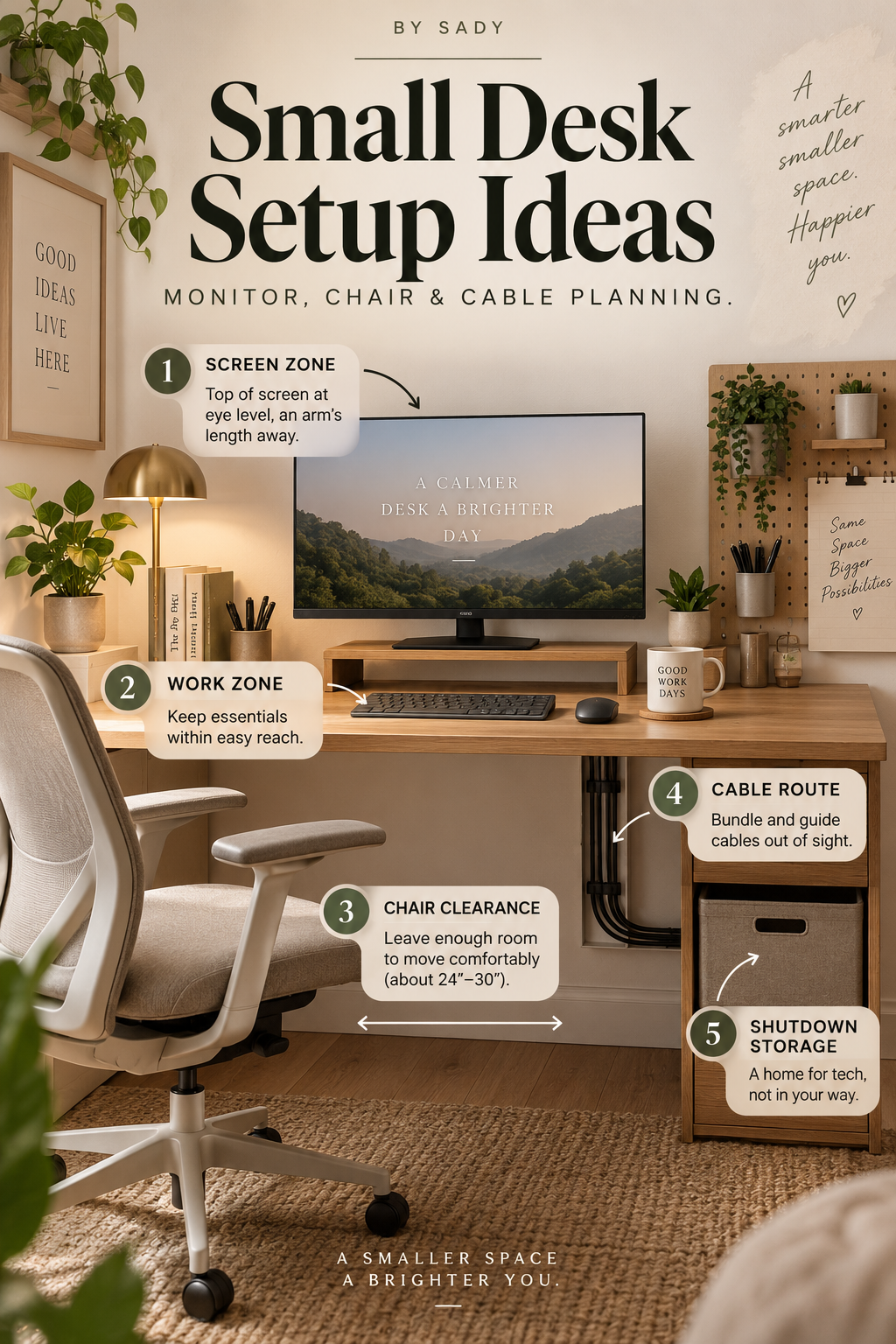
Where the measurable guidance comes from
By Sady's styling advice is editorial. Where this guide uses measurements or specific planning guidance, these are the references used. Always measure your own room and follow local electrical and building requirements.
- OSHA: Computer Workstations — Monitors
Primary ergonomics reference for monitor placement, viewing distance, screen height and glare considerations.
- OSHA: Computer Workstations — Desks
Primary reference for work-surface depth, primary work zones, leg clearance and equipment placement.
- OSHA: Computer Workstations — Workstation Environment
Primary reference for controlling glare and positioning task lighting around a computer workstation.
More from Desk & Office.
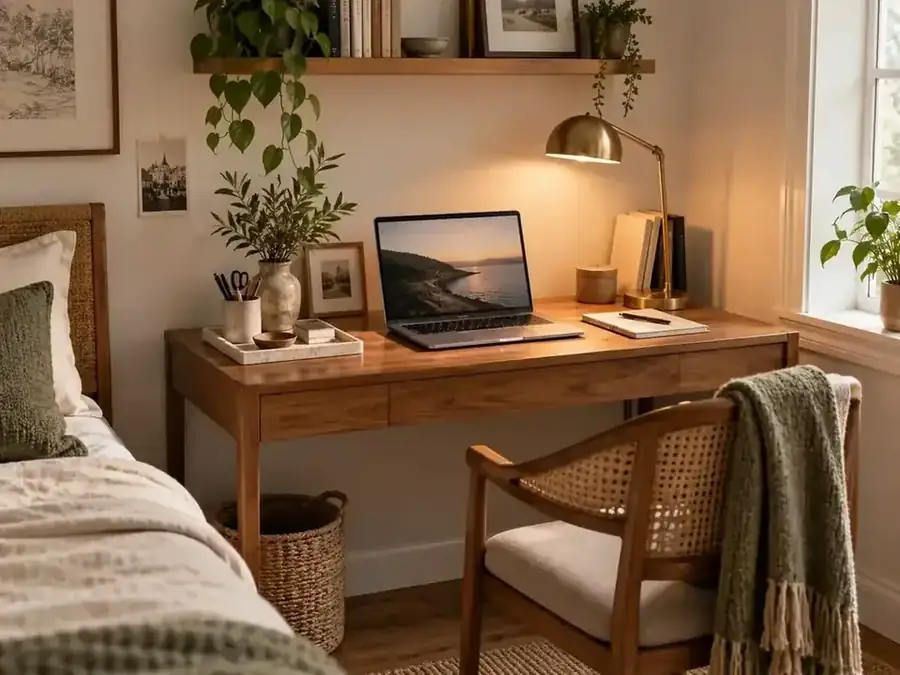
Desk Organization Ideas That Still Look Good
A practical desk-organization system for keeping papers, cables, tools and everyday objects under control without turning the workspace into a wall of plastic organizers.
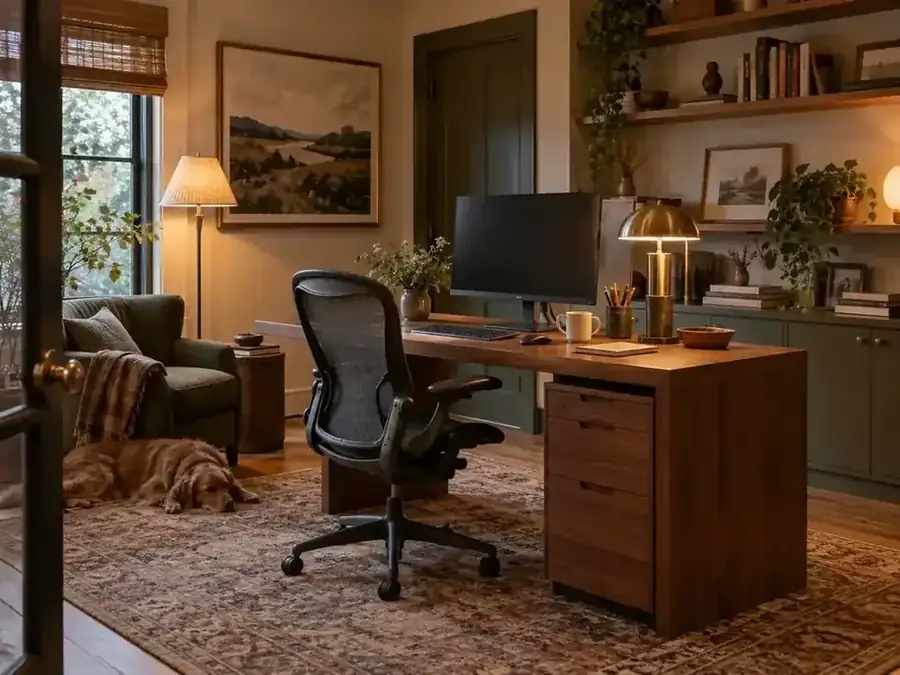
Home Office Ideas That Feel Warm, Not Corporate
Make a home workspace feel like part of the room instead of borrowed office furniture. A practical guide to lighting, art, texture, storage, color and boundaries that keep the space functional.
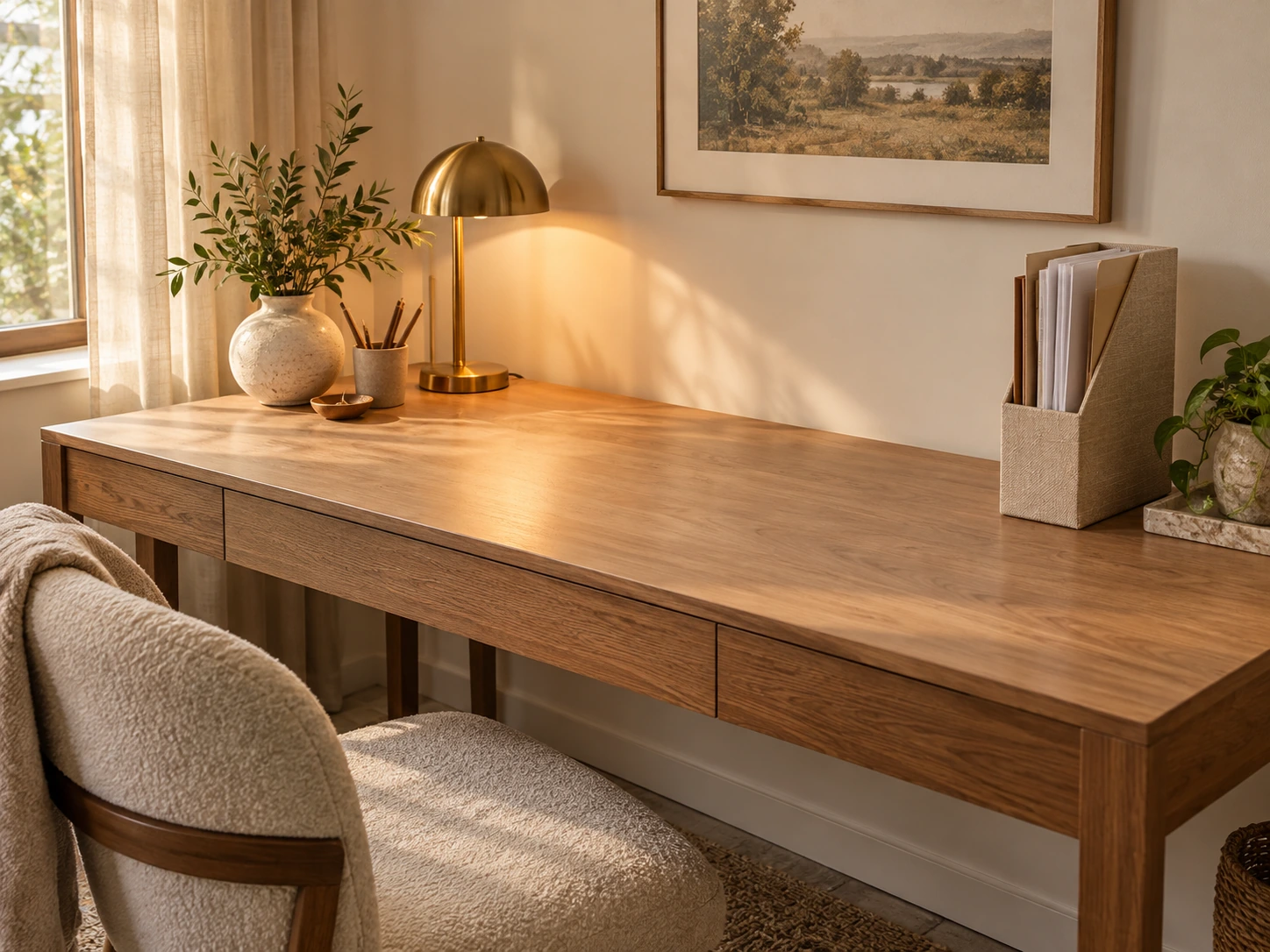
Desk Accessories for Small Workspaces: What Actually Earns Desk Space
A practical selection guide to desk accessories that genuinely earn their footprint: task lighting, paper storage, cable control, monitor support, trays and a restrained finishing layer.