
Desk Accessories for Small Workspaces: What Actually Earns Desk Space
A practical selection guide to desk accessories that genuinely earn their footprint: task lighting, paper storage, cable control, monitor support, trays and a restrained finishing layer.
The wrong desk accessories create a more organized-looking version of the same clutter. The useful ones remove a repeated friction point, protect the work zone or make the setup easier to reset.
Part of the By Sady guide Desk Organization Ideas That Still Look Good →
What matters most
- 01
Solve the repeated annoyance before buying a matching accessory set.
- 02
Protect the center work zone and move paper, cables and low-frequency tools outward.
- 03
Use accessories that combine function and visual consistency instead of adding many small containers.
- 04
Prioritize a good lamp, paper system and cable route before decorative objects.
- 05
Stop when the desk is easier to start, use and reset.
Buy the accessory for a named problem
Before buying anything, finish this sentence: “I need an accessory because…” The answer should be specific: papers cover the keyboard, the charger falls behind the desk, the screen is too low, pens have no home or evening light is poor.
If the answer is simply that the desk looks empty, decoration may be enough. But do not call decorative filling organization. A small workspace has limited prime surface, so every object should have a clear reason to stay visible.
This problem-first approach also prevents buying organizer sets whose compartments do not match the tools you actually use.
Start with the lamp if the desk needs task light
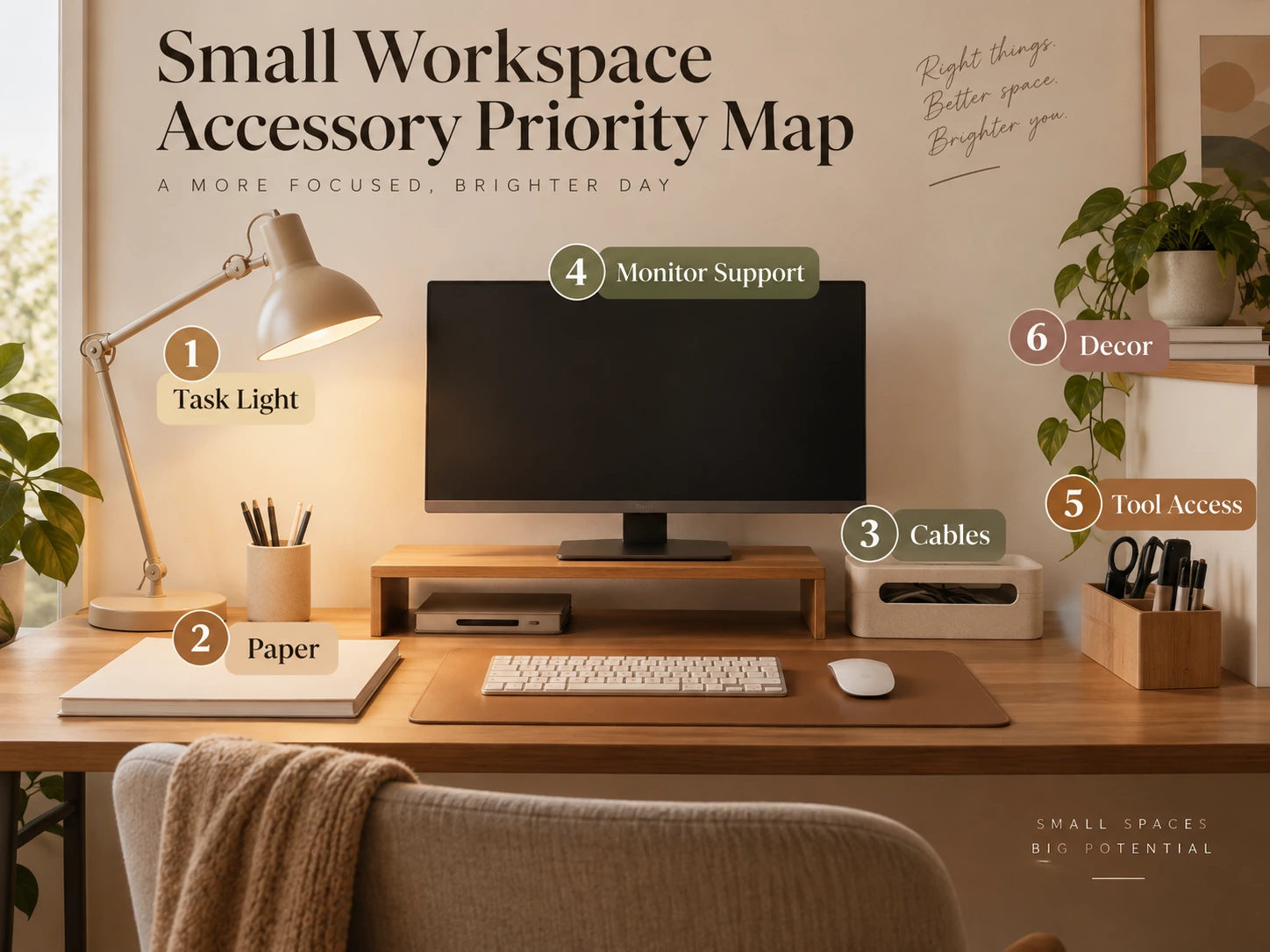
A desk lamp affects both function and the visual identity of the workspace, so it earns more attention than a decorative pen cup. Choose a fixture that directs useful light onto the task without throwing glare into the monitor.
OSHA’s workstation guidance recommends controlling glare from task lights and windows. A movable lamp is valuable because it can be positioned for writing, reading or keyboard work and adjusted as daylight changes.
On a very small desk, a clamp light or wall-mounted fixture can preserve more surface than a wide lamp base.
Use one paper system, not several paper piles
Paper clutter usually needs an inbox and an archive, not five trays. Give incoming or active paper one defined landing place, then move completed or reference material off the working surface.
If you rarely use paper, a single vertical file or drawer may be better than a desktop sorter. The accessory should reflect the volume of the category, not the fantasy of an office supply store.
Keep the paper system close enough that using it is easier than creating a new pile beside it.
Choose a pen cup from the tools you really use
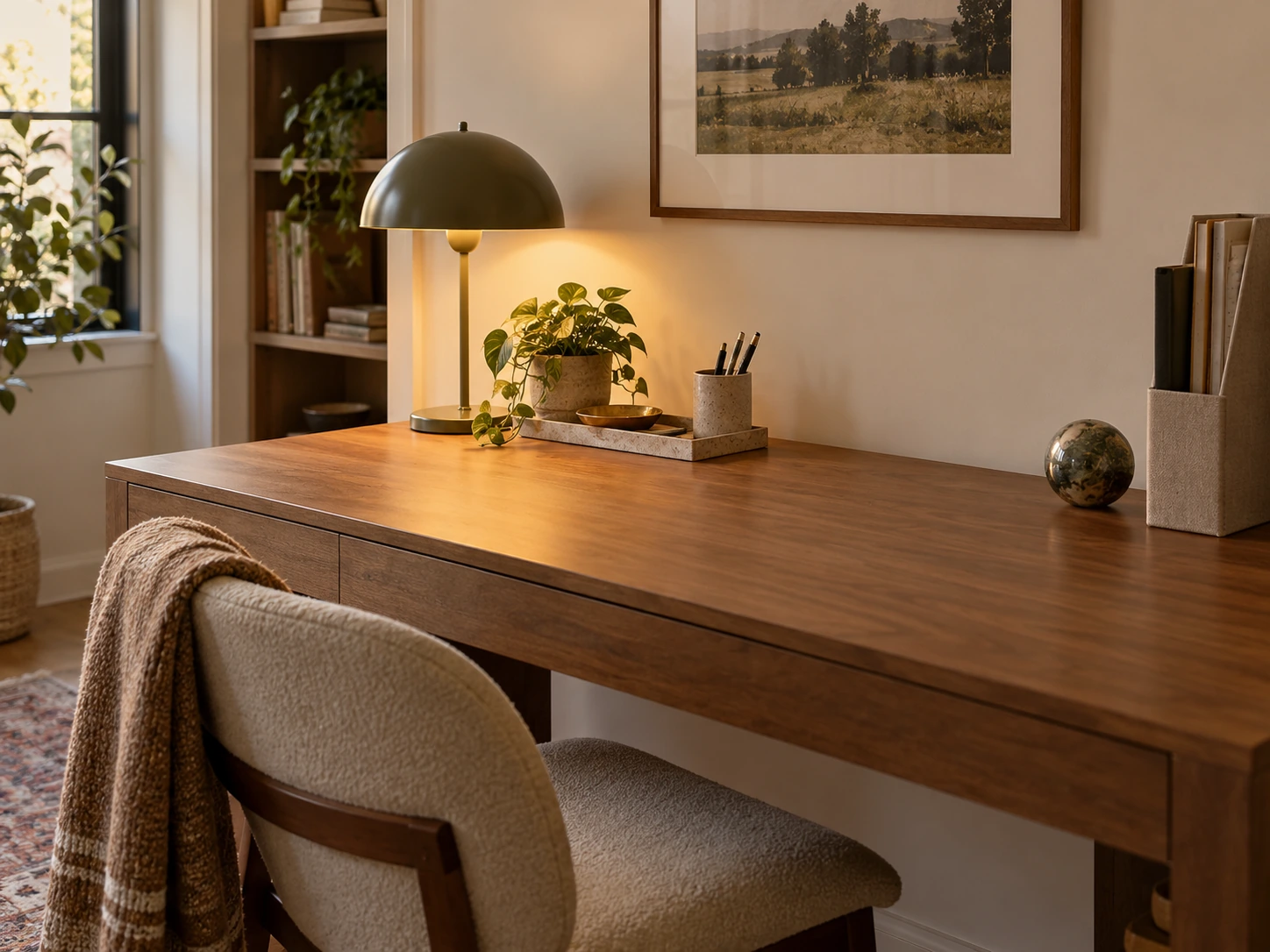
A large pen holder becomes a display for duplicate pens, markers and tools that are rarely used. Keep the daily writing tools visible and move specialty supplies to a drawer or secondary container.
A weighted ceramic or metal cup can add material interest while doing a real job. The useful size is the one that holds the active set without turning into another miscellaneous bin.
Use a tray when small objects need a boundary
A shallow tray can group a notebook, earbuds, watch, small charger or personal item into one visual unit. It is most useful when those objects are already part of the daily routine.
Do not choose a tray so large that it claims the center work area. Place it at the side or back edge and keep the main keyboard, writing or laptop zone open.
A tray is an organizing boundary, not permission to keep every small object on the desk.
Treat cable accessories as route control
Cable clips, sleeves and under-desk trays are useful only after you know where the power and devices are. Draw the cable path first, then use the smallest accessories needed to keep that route stable.
The most important cables are the ones that move often: laptop charging, headphones or a device you unplug regularly. Give those enough slack and a predictable landing point instead of fastening everything into one rigid bundle.
Keep power connections accessible for inspection and avoid using cosmetic cable management to hide damaged or overloaded equipment.
Use monitor support only when it fixes height or depth
A monitor riser can help place the display more comfortably or create a shallow storage space underneath, but it should not be added solely because styled desks often have one.
OSHA recommends placing the monitor directly in front of the user with the top of the screen at or below eye level. Use that position as the goal, then decide whether the existing stand, an arm or a riser is the simplest way to reach it.
On a shallow desk, a monitor arm may recover more useful surface than a deep wooden riser.
| Accessory | Use it when | Skip it when | Main benefit |
|---|---|---|---|
| Desk lamp | Task light or evening visibility is poor | Existing light already serves the work well | Better task visibility |
| Paper tray / file | Paper repeatedly covers the work zone | Most work is digital | One paper landing zone |
| Cable clips / tray | Cables fall, snag or cross the chair route | There are only one or two stable cables | Predictable cable path |
| Monitor riser / arm | Screen height or depth needs correction | Existing stand already fits well | Better screen position / reclaimed surface |
| Small tray | Daily small items scatter | The category can live in a drawer | Visual and functional boundary |
| Decor object | The desk already works and needs personality | It displaces a useful tool | Character only |
Choose storage that disappears when the room needs calm
If the desk shares a bedroom or living room, one closed drawer unit, cabinet or box can improve the whole room more than several clear desktop organizers. It gives work tools a place to disappear after hours.
Transparent storage is useful when visibility prevents forgetting, but it also keeps every category visually active. Use open storage for the few categories that benefit from constant access and closed storage for the rest.
The most polished desk often has fewer visible organizers because the larger storage decision has already been solved.
Continue with this part of the plan Build the full system: Desk Organization Ideas That Still Look GoodOrganize paper, cables, tools and the shutdown routine before styling the surface.
Read the guide →Let one or two materials repeat
Accessories look more intentional when they share a small material vocabulary. A black lamp can relate to a black monitor arm, or a walnut tray can echo the desk edge. Exact matching is not necessary.
Avoid buying an entire coordinated accessory kit if half the pieces solve no problem. Repetition should connect useful objects that already earned their place.
A small workspace usually needs fewer finishing materials than a large room because each item occupies more of the visual field.
Keep the decorative layer smaller than the functional layer
Once the workspace functions, add personality with one artwork, a small plant, photograph, vase or object that matters to you. The desk does not need a styling object in every gap.
If a plant blocks the monitor, a candle sits beside paper and cables, or several framed prints crowd the wall storage, the decorative layer is starting to undermine the work zone.
The goal is a workspace that feels like part of the home without making the home perform like a showroom.
Run the accessory audit before buying another object
Clear the center of the desk and identify the three annoyances that happen most often. Fix those first with layout, storage or one accessory. Then work for a week before deciding what is still missing.
A good accessory should make the desk faster to start, more comfortable to use or easier to reset. If it does none of those things, treat it honestly as decor and decide whether the desk has room for it.
- The accessory solves a named problem.
- The main work zone stays open.
- Frequently used tools remain easy to reach.
- Paper has one clear system.
- Cables have a stable route.
- Monitor support is chosen for position, not appearance alone.
- Closed storage is available if the desk shares a living space.
- Materials repeat without requiring a full matching set.
- Decor never displaces the tools needed for work.
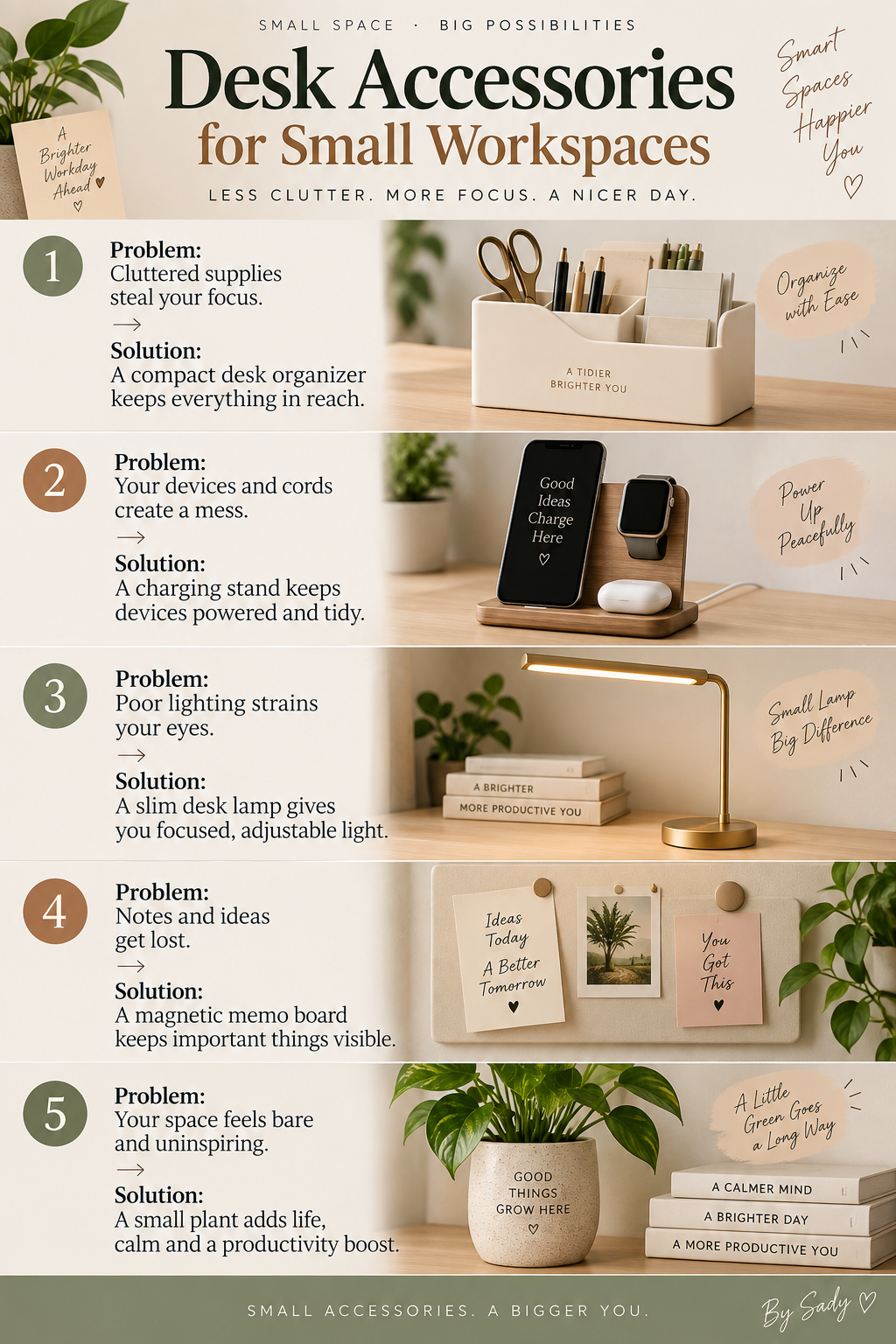
Keep the visual summary.
This is the condensed version of the guide, useful when you are planning, comparing options or returning to the key decisions later.
Where the measurable guidance comes from
By Sady's styling advice is editorial. Where this guide uses measurements or specific planning guidance, these are the references used. Always measure your own room and follow local electrical and building requirements.
- OSHA: Computer Workstations — Components
Primary ergonomics reference for arranging monitors, keyboards, pointing devices and other workstation components around neutral working positions.
- OSHA: Computer Workstations — Desks
Primary reference for work-surface depth, clear primary work zones and placement of frequently used devices.
- OSHA: Computer Workstations — Workstation Environment
Primary reference for controlling glare from desk lighting and windows.
- Architectural Digest: Keep a Tidy Workspace With These Desktop Organizers
2025 design-editor reference supporting the combination of functional organization and visually considered desk accessories.
Relevant finds from this guide.
BAGSMART Travel Electronics and Cable Organizer
Zip-up accessory case with compartments and straps for charger cables and small electronics.
More from Desk & Office.
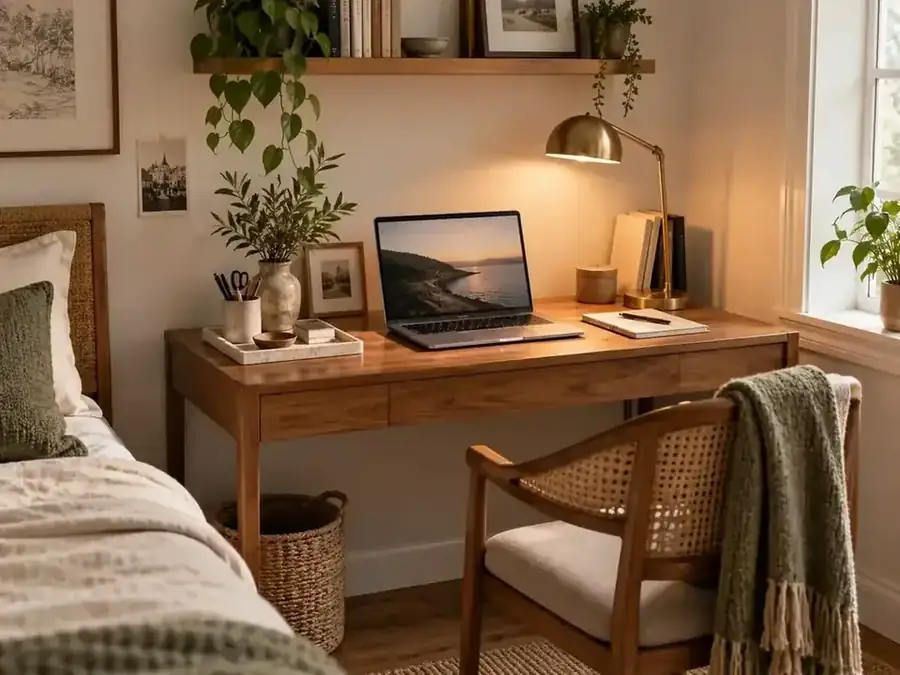
Desk Organization Ideas That Still Look Good
A practical desk-organization system for keeping papers, cables, tools and everyday objects under control without turning the workspace into a wall of plastic organizers.
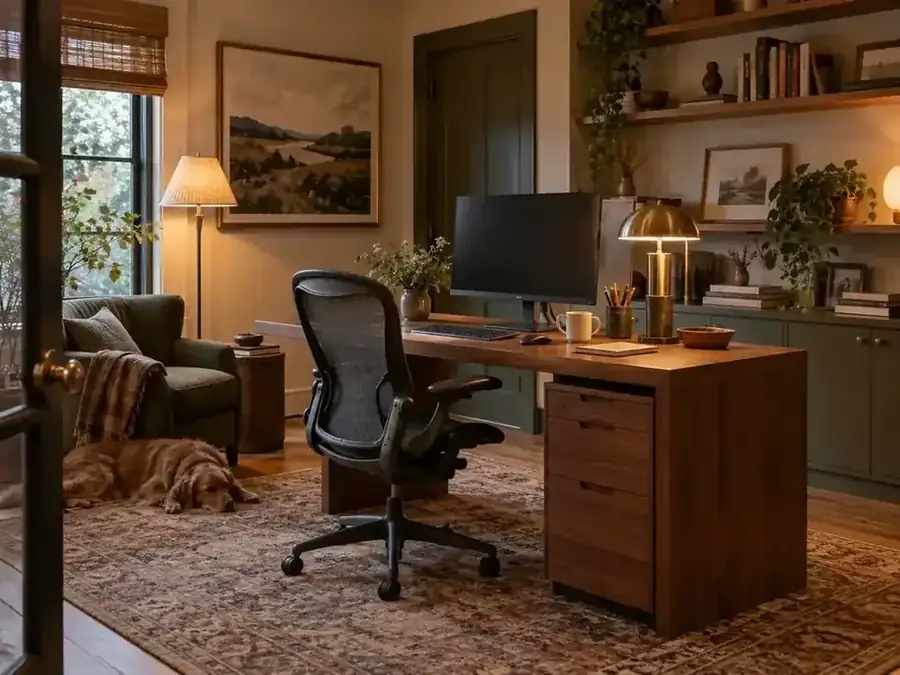
Home Office Ideas That Feel Warm, Not Corporate
Make a home workspace feel like part of the room instead of borrowed office furniture. A practical guide to lighting, art, texture, storage, color and boundaries that keep the space functional.
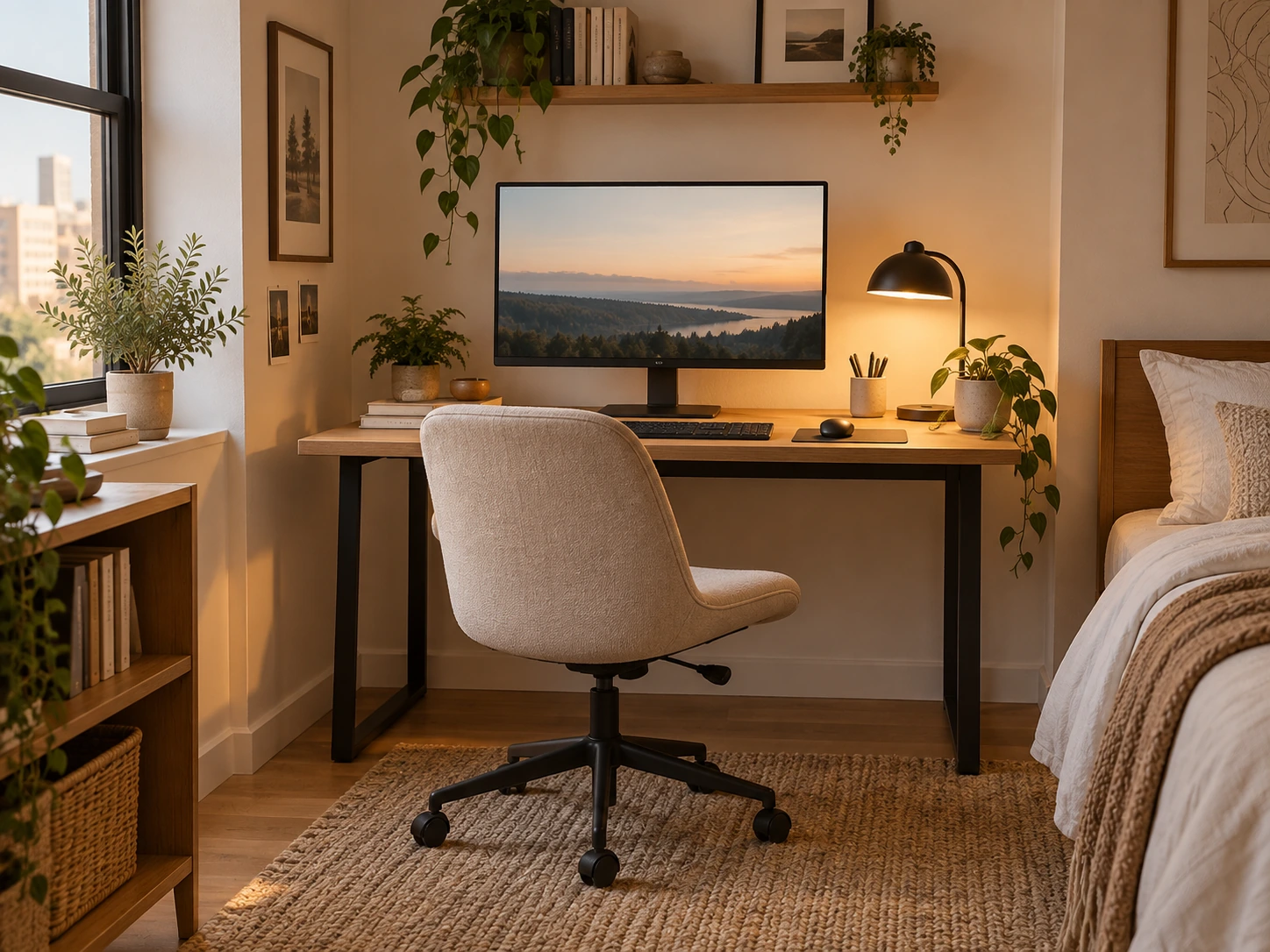
Small Desk Setup Ideas for Bedrooms and Apartments: Monitor, Chair & Cable Planning
A practical small-desk planning guide for bedrooms, studios and apartments, covering equipment footprint, monitor distance, chair movement, lighting, cables and how to make work disappear after hours.